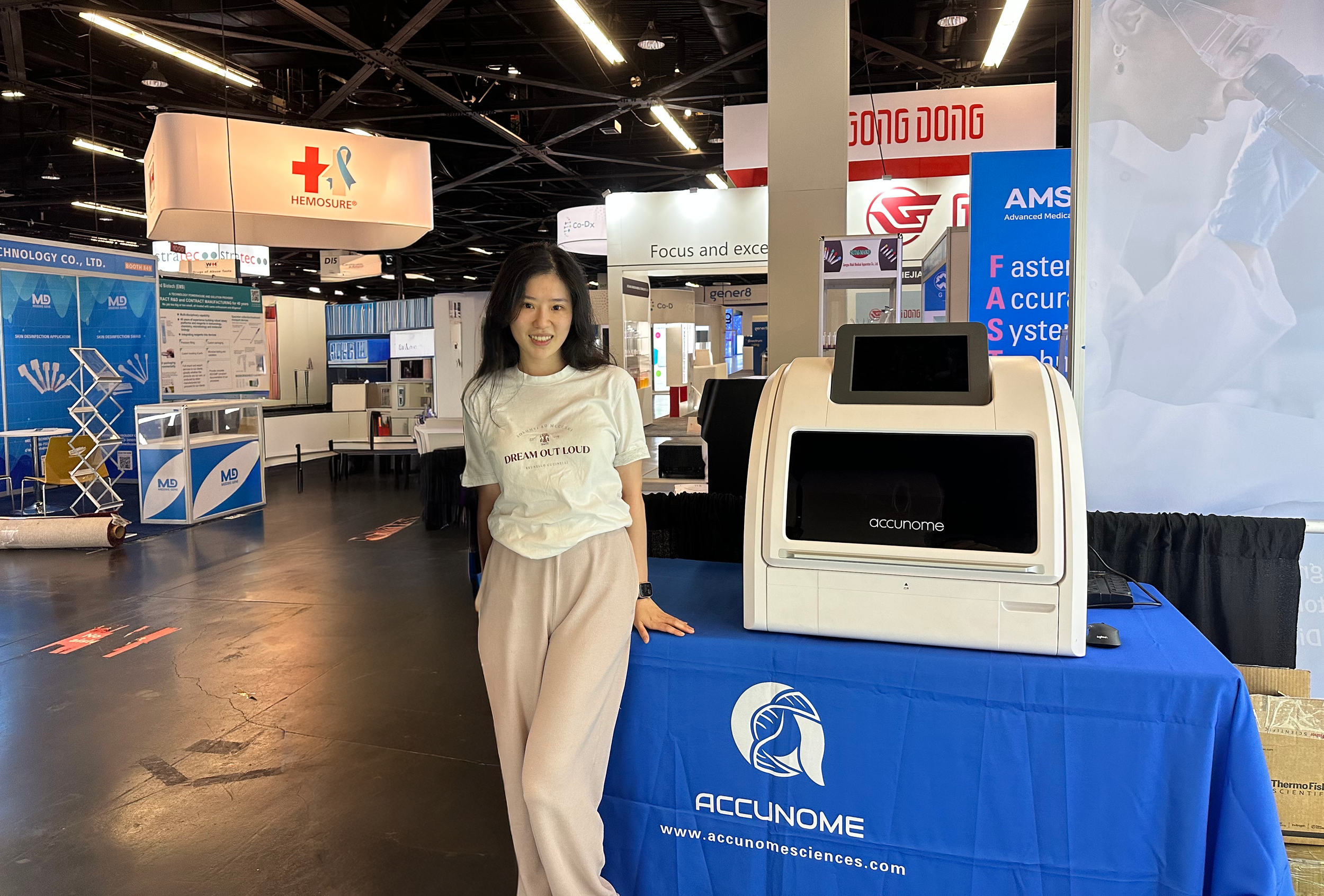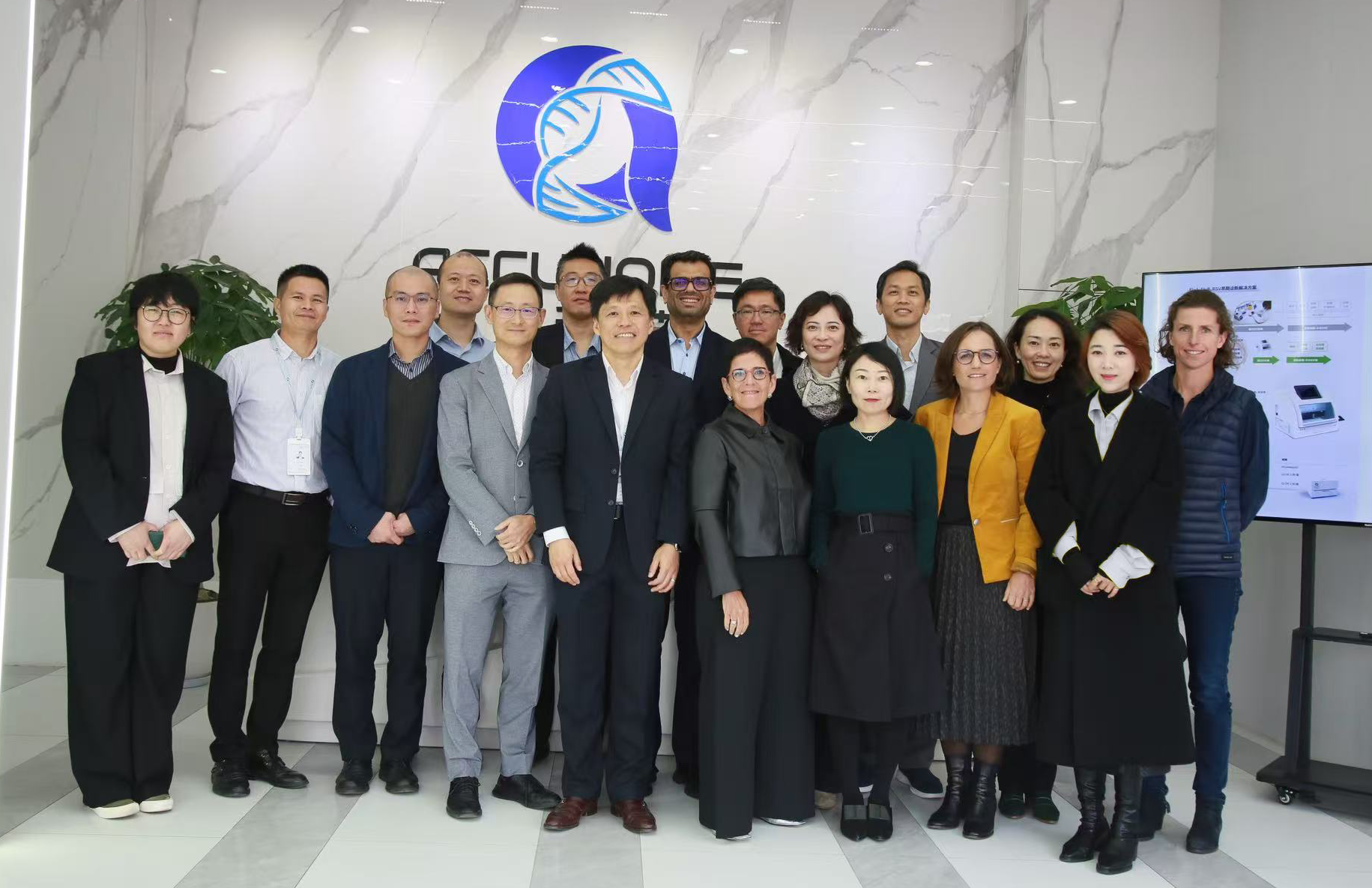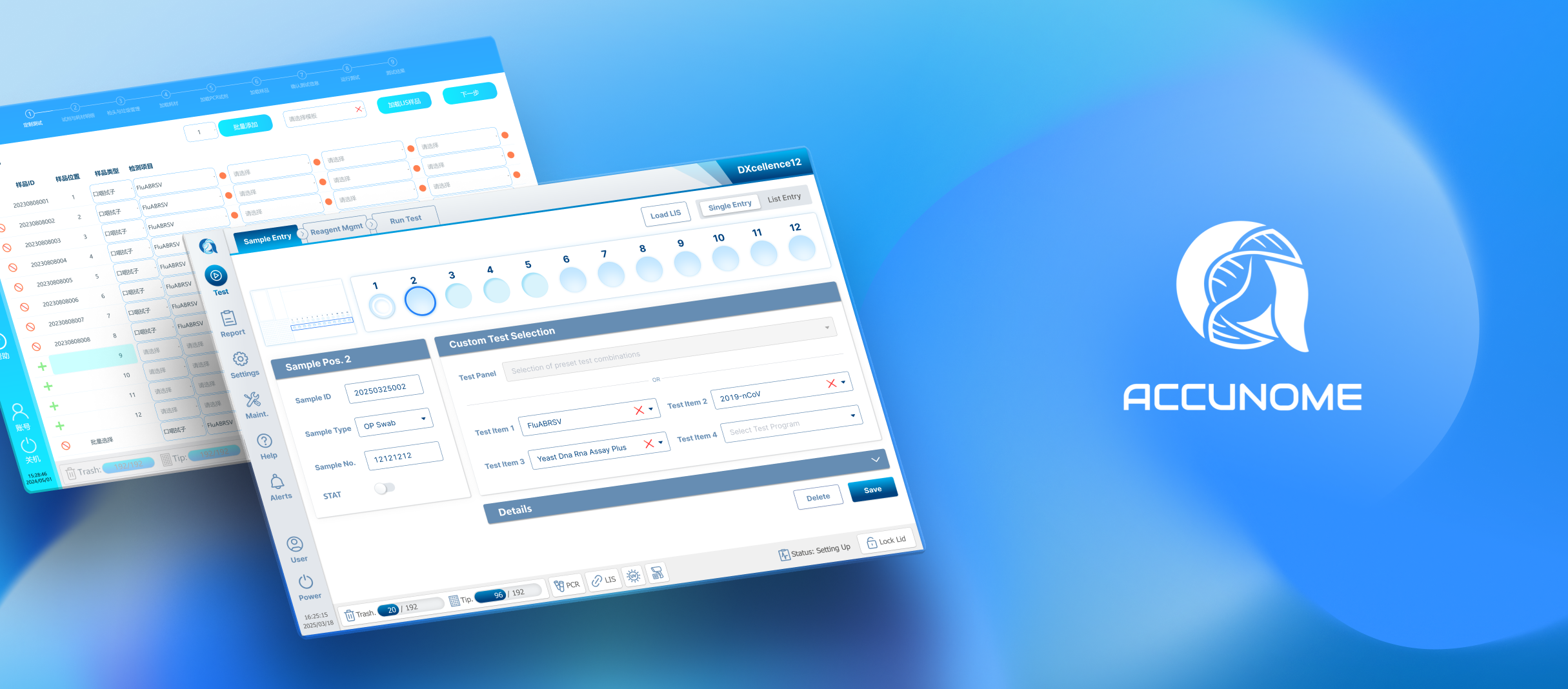
Accunome Science - DXcellence12
Designing a trustworthy, intuitive Custom Testing experience for a regulated molecular diagnostics platform. Transforming complex, error‑prone workflows into a visual, efficient, and compliant system used in real laboratories.
-
Company: Accunome Science
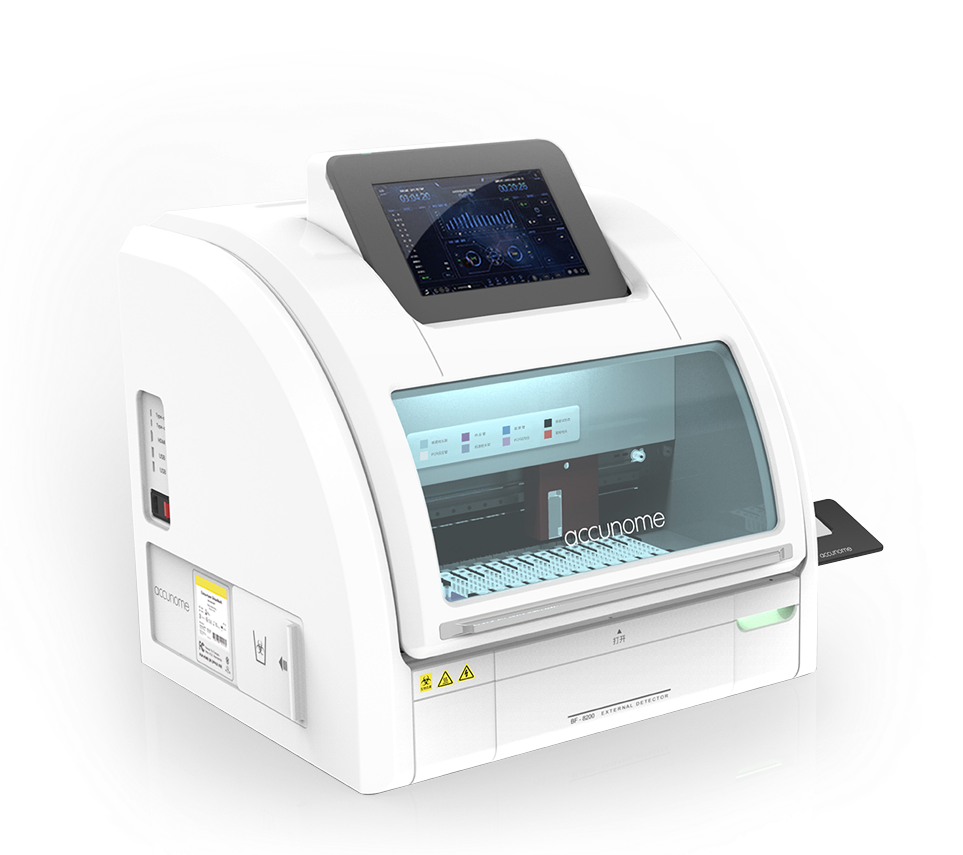
Product: DXcellence12 — Automated Molecular Diagnostics Platform
Users: Experimenter, Researcher, Scientist, Lab technician/technologist, Lab assistant
Environment: Regulated healthcare (IVD industry, compliance‑driven)Accunome Science, founded in San Diego (U.S.), was ranked as one of “The Top 50 Most Promising Startups” by Silicon Valley Media The Information.
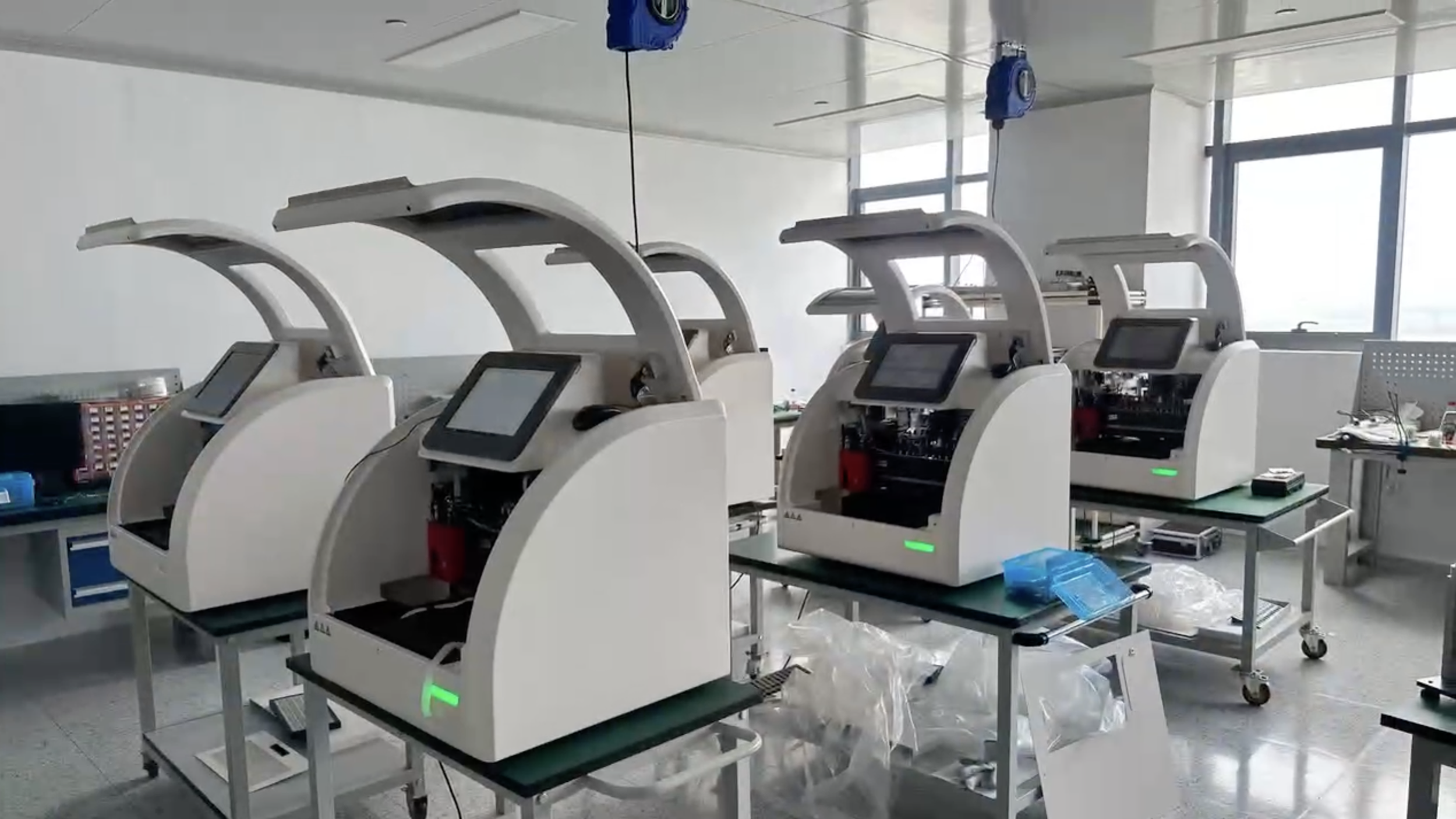
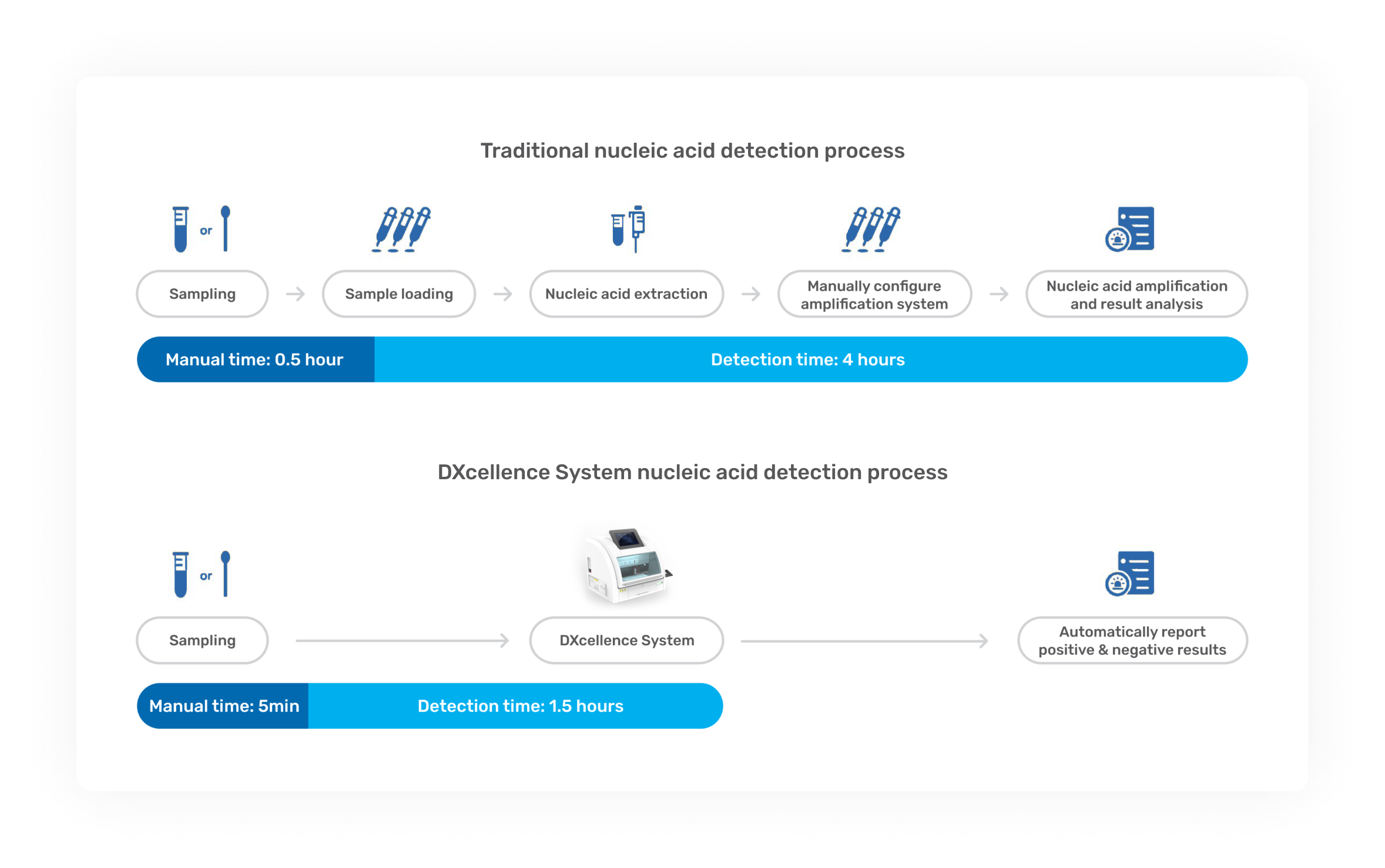
DXcellence12 is a fully automated molecular diagnostics platform that eliminates manual steps common in traditional nucleic acid testing, delivering a true “sample-in, result-out” workflow under strict regulatory and operational requirements. The software experience is as critical as the instrument itself: errors can directly affect patient outcomes, laboratory efficiency, and audit risk. -
I led end‑to‑end product design and UX strategy, spanning:
User research & field studies (labs, hospitals)
Workflow & systems design for complex B2B SaaS
Interaction design & high‑fidelity prototyping
Design system & visual language evolution
Stakeholder alignment (Product, Engineering, Sales, Regulatory, CEO)
Partner‑facing design (bioMérieux)
Usability testing, iteration, and implementation review
I owned the problem framing → solution definition → validation → delivery loop.
-
A High‑Risk, High‑Cognitive‑Load Workflow
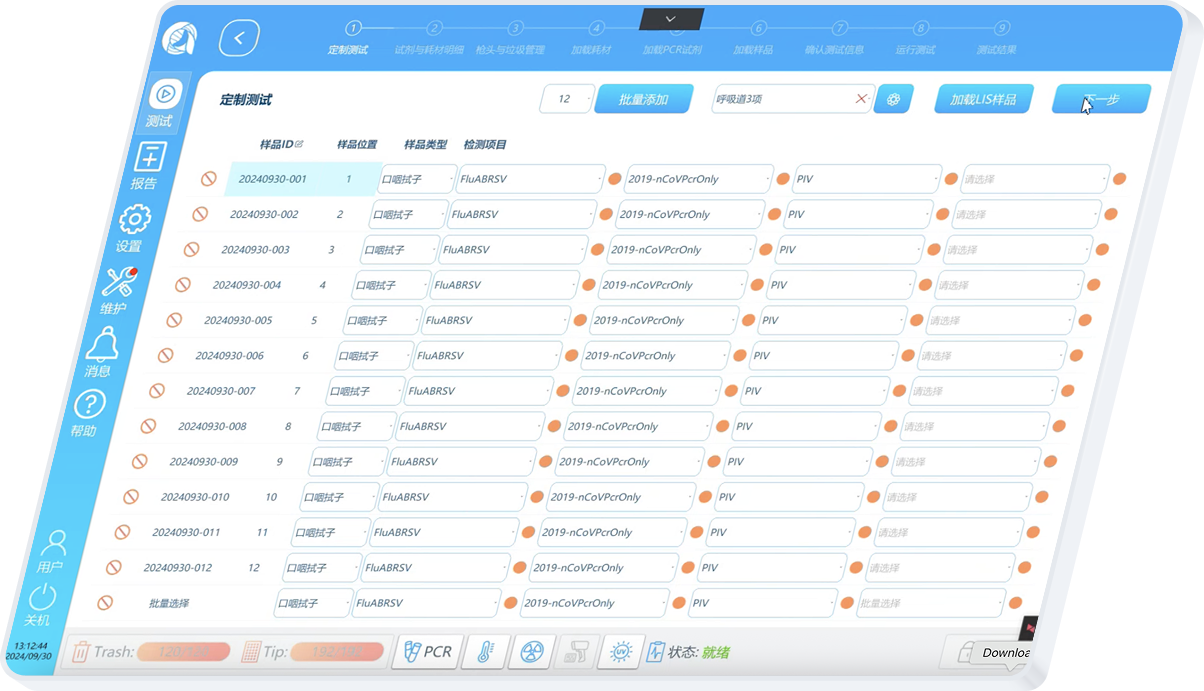
The original table‑based Custom Testing UI required users to:
Configure samples across multiple fragmented screens
Mentally map tables to physical well positions
Manually manage batch logic, panels, and individual assays
Key pain points:
Error‑prone configuration under time pressure
Poor scalability for mixed batch scenarios
Low confidence and high cognitive load
Difficult onboarding for new lab staff
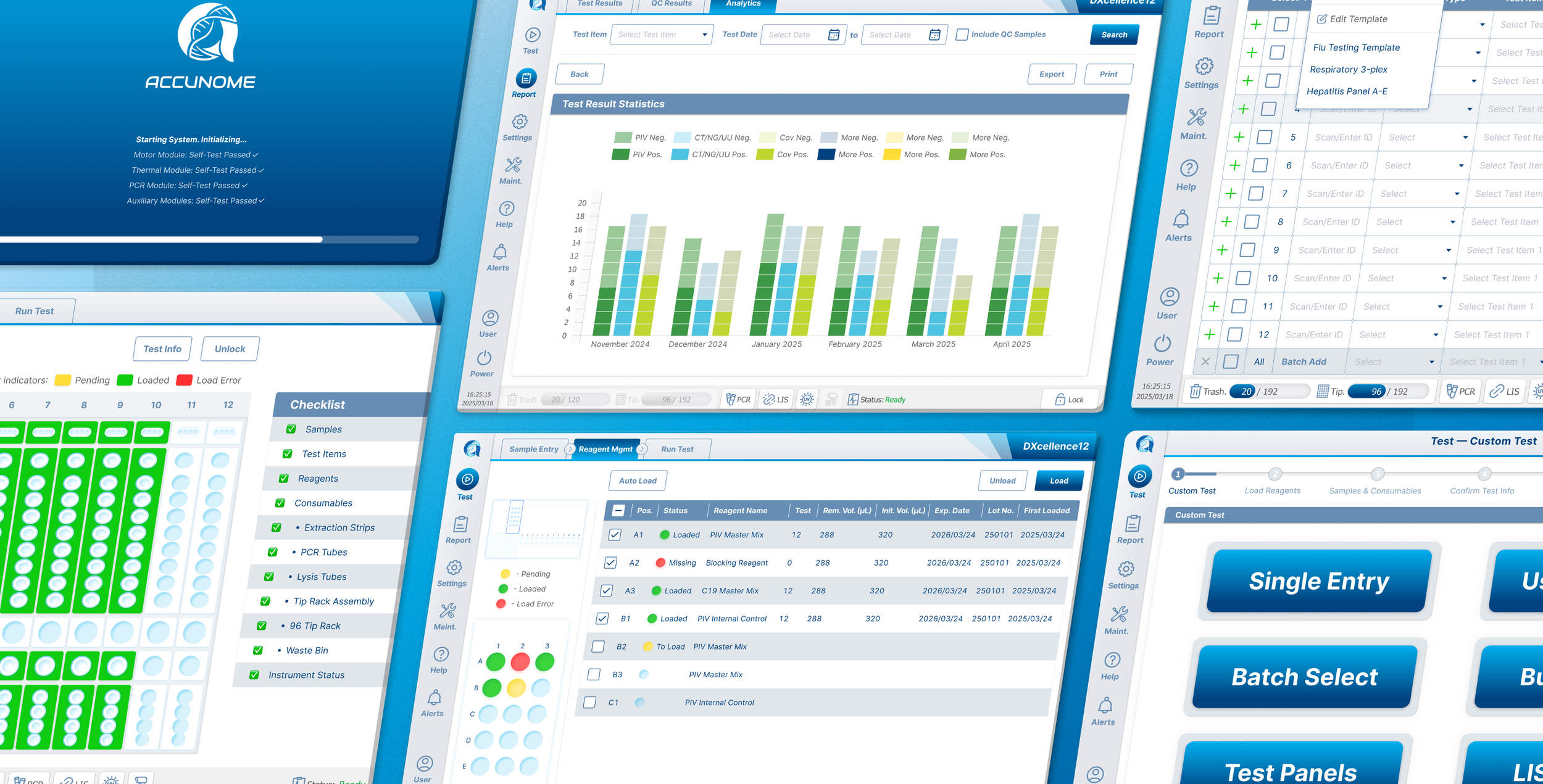
Why This Project Needed Strong Design Leadership
Custom Testing is the core, revenue‑critical workflow of DXcellence12.
DXcellence12's key value proposition: Flexible and Versatile.
Allows Mixture of Different Types and Tests: Ability to customize up to 12 samples × 4 test targets with cross-contamination prevention.It directly affects accuracy, efficiency, adoption, and regulatory risk.
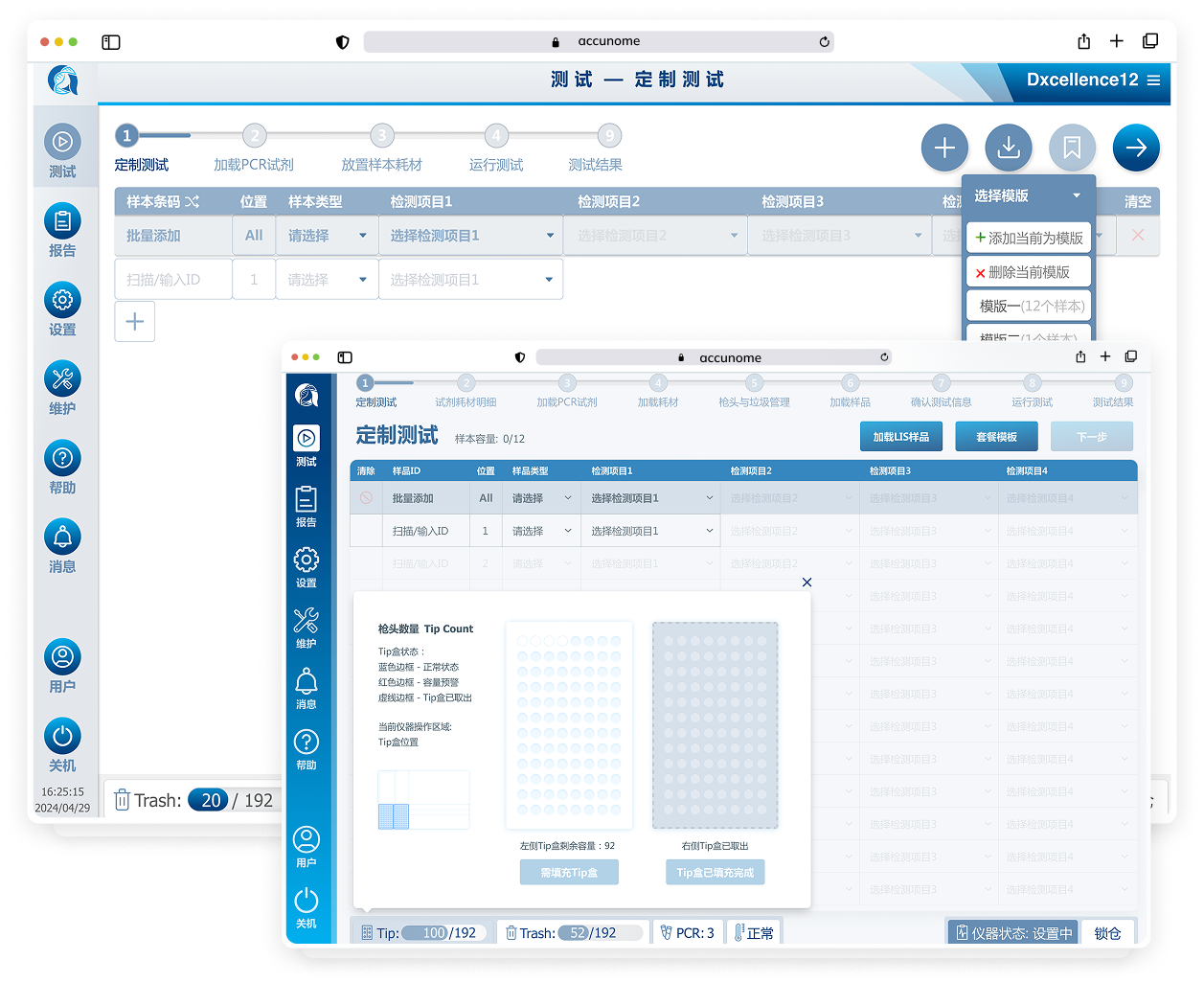
Before redesign, the experience was engineer‑built, table‑driven: a single view containing 48+ Excel‑like input cells. Users were forced to mentally map software rows and columns to the physical sample wells, while under time pressure.
High cognitive load
Frequent configuration errors
Steep learning curve for new technicians
Growing user frustration and complaints
This was not a visual problem. It was also a systemic UX and trust problem.
My Role: Owning the Problem End‑to‑End
I did not inherit a clear brief or roadmap item. I proactively drove the initiative:
Identified Custom Testing as a high-risk, high-impact workflow
Initiated cross‑functional alignment with Product, Engineering, Sales, Scientists, and CEO
Designed and led the full research and validation process
Carried insights through interaction design, iteration, and delivery
I pushed it forward and sustained momentum.
Research & Discovery
Multi‑Layered Research Approach: I combined qualitative, quantitative, and field‑based research.
-
![]()
Internal Alignment
• Workshops with Stakeholders, including Product, Engineering, Sales, Regulatory, CEO.
• Constraint mapping (hardware, firmware, LIS, regulation)
-
![]()
Field Studies
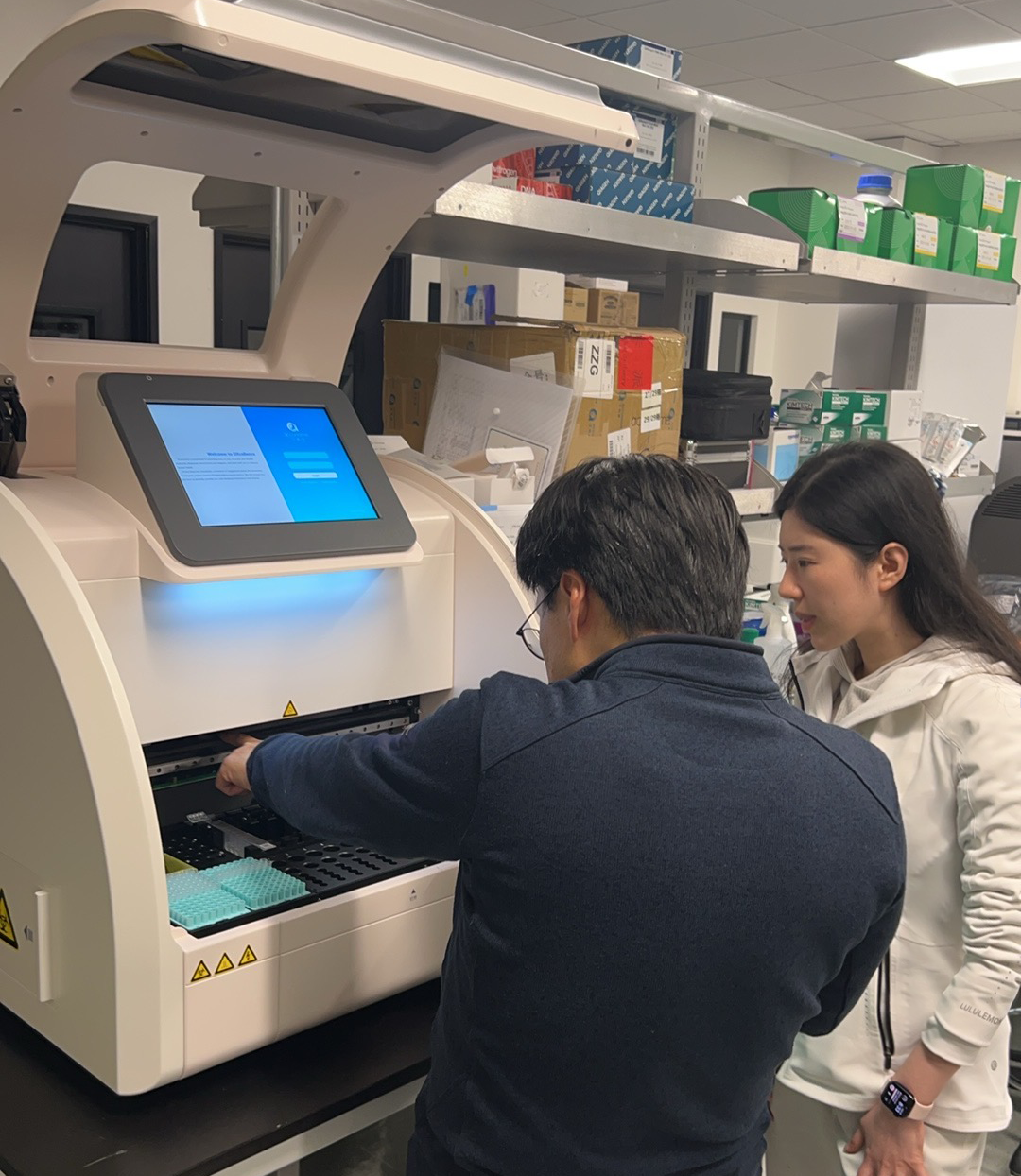
• On‑site lab observation
• Hands‑on experience operating the instrument
• Studied how samples, reagents, consumables, and errors occur in practice
-
![]()
Structured Research Execution
• Designed research questionnaires
• Led Sales & Product teams conducted hospital visits
• Synthesized cross‑site feedback from independent labs to large hospitals with multiple units
-
![]()
Interviews and Discussion
• Lab directors, technicians, hospital IT
• CEO & Leadership
• In‑house scientists and regulatory stakeholders
Key Usage Scenarios Identified
Small labs (single machine)
Custom Testing is used differently every run
High need for flexibility and per‑sample control
Users actively configure tests each time
Large labs / hospitals (multiple machines)
High throughput, repetitive testing
Primary value is automation, speed, and consistency
Strong need of reusing configurations at scale
These distinct mental models shaped every design decision.
Direct immersion
Observed DXcellence12 usage in real lab environments
Personally operated the physical instrument
Reviewed real configuration errors and failure cases
User & Stakeholder Research
Interviewed lab technicians, lab directors, hospital IT
Designed structured questionnaires
Led Sales and Product teams into hospitals to collect firsthand feedback
This ensured insight was grounded in actual behavior, not assumptions.
Synthesizing the Real Problem
Through research, a pattern emerged:
Users think spatially, not tabularly
Batch efficiency and individual control must coexist
Software-hardware mental translation was the cause of error
Competitor & Market Analysis
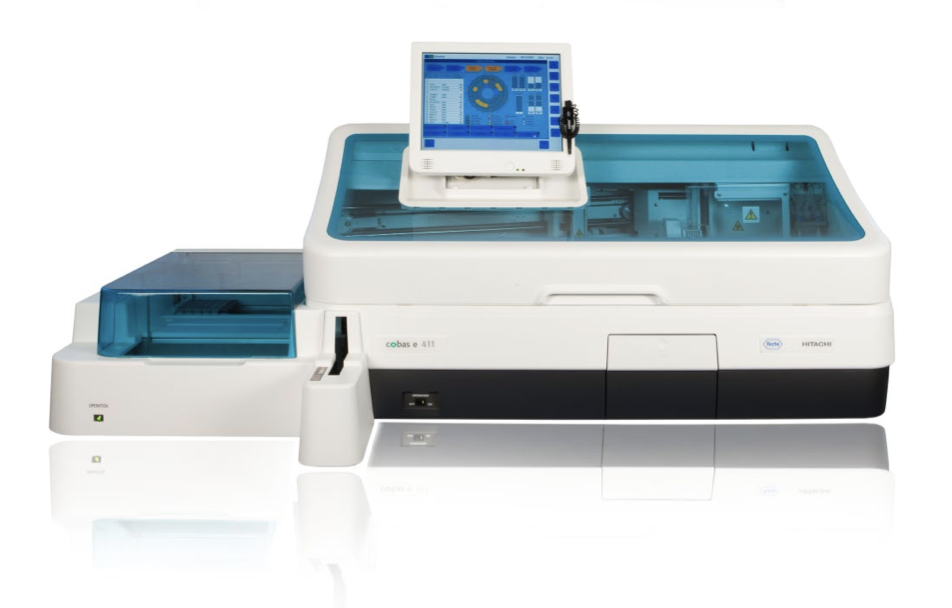
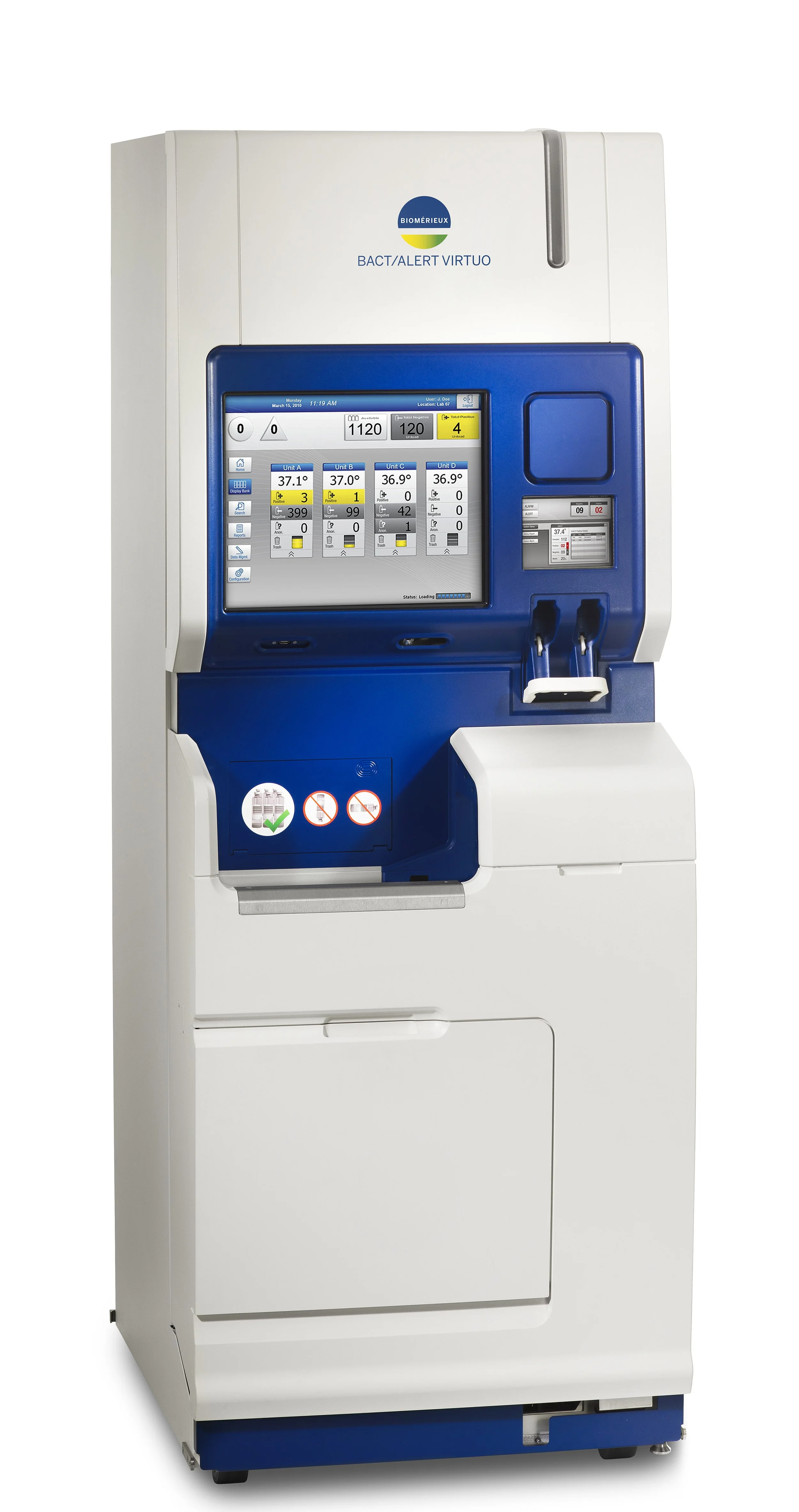
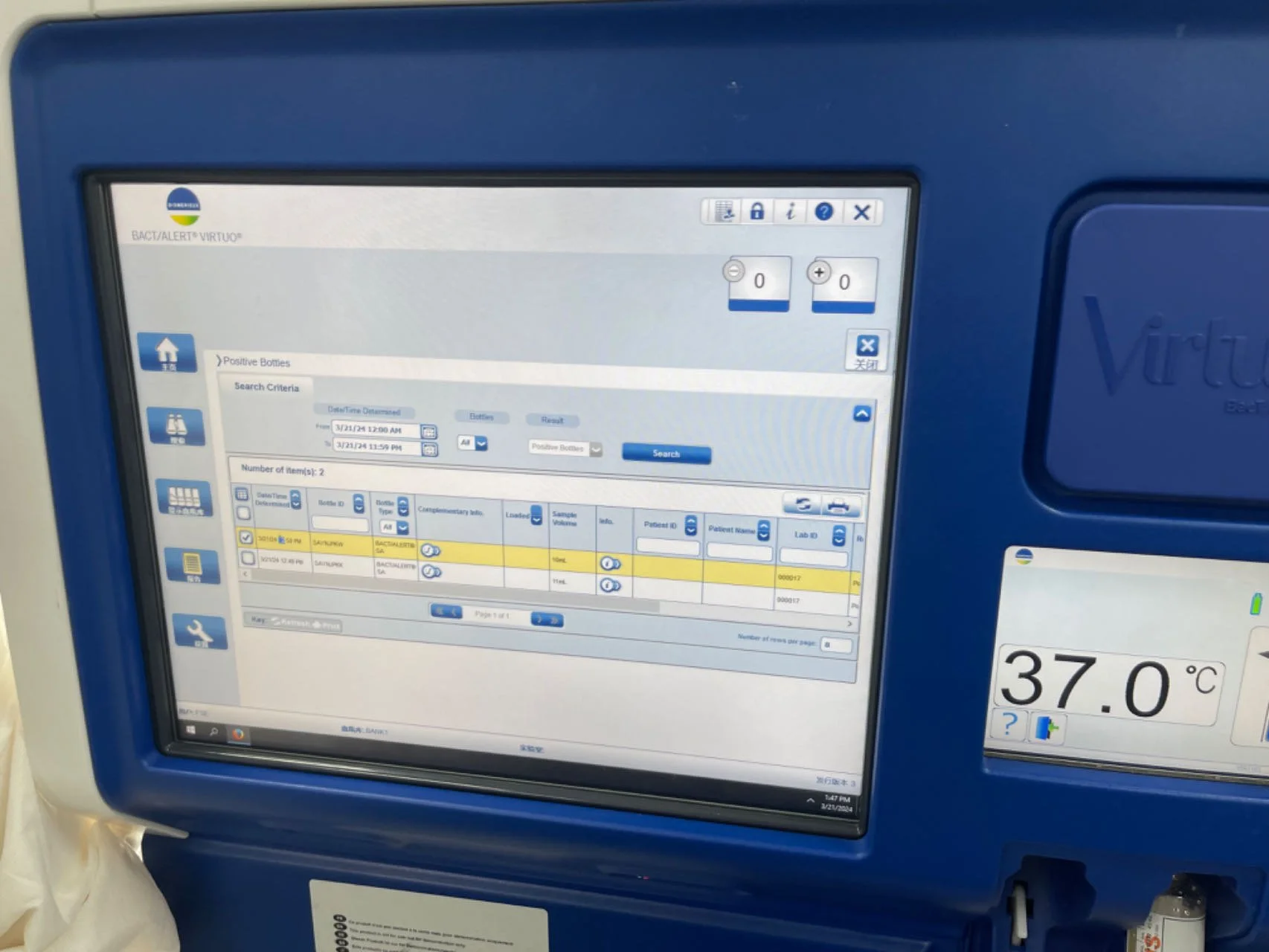
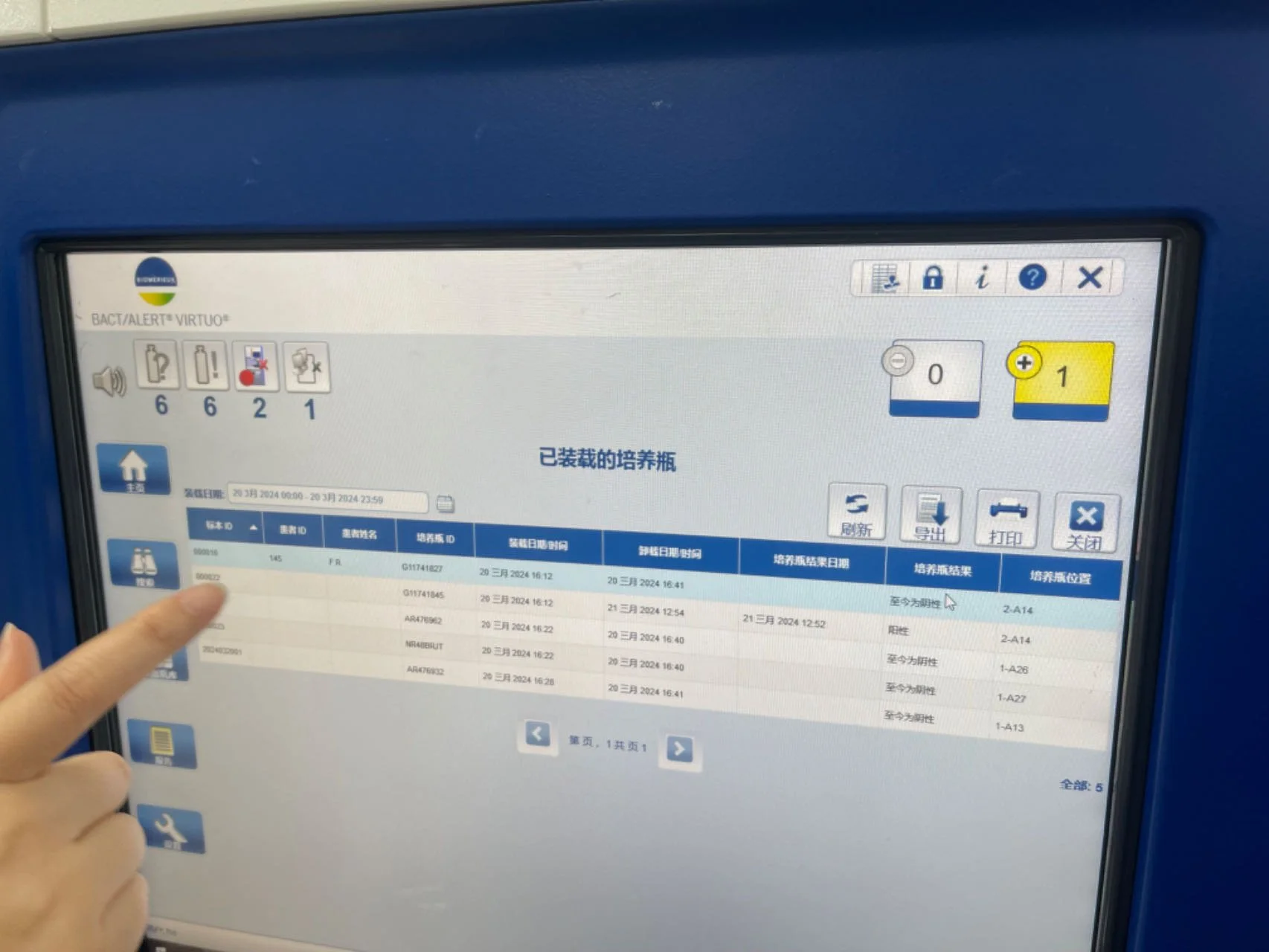
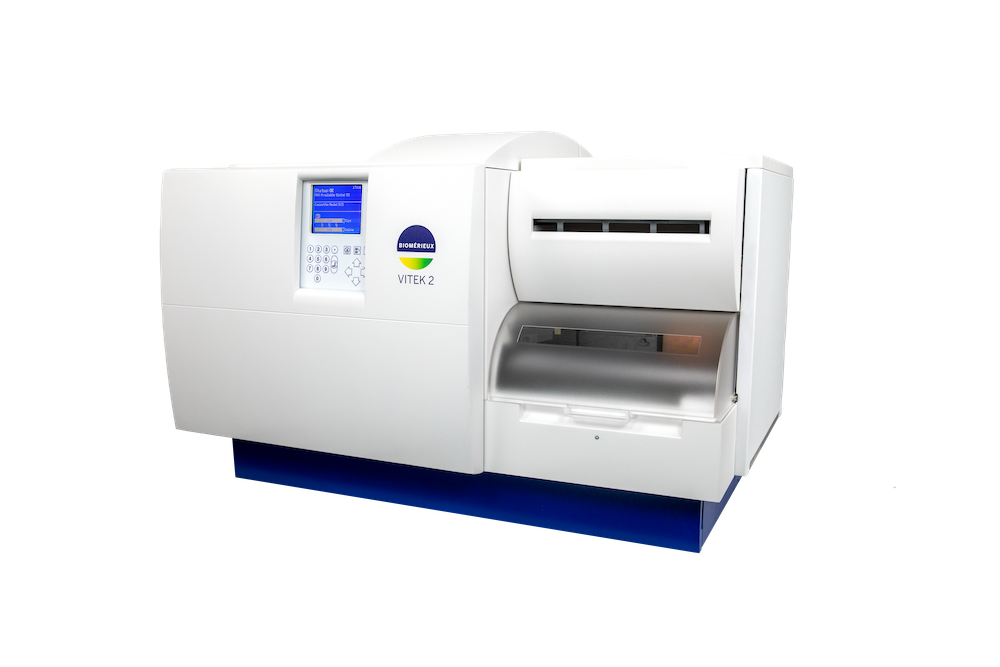
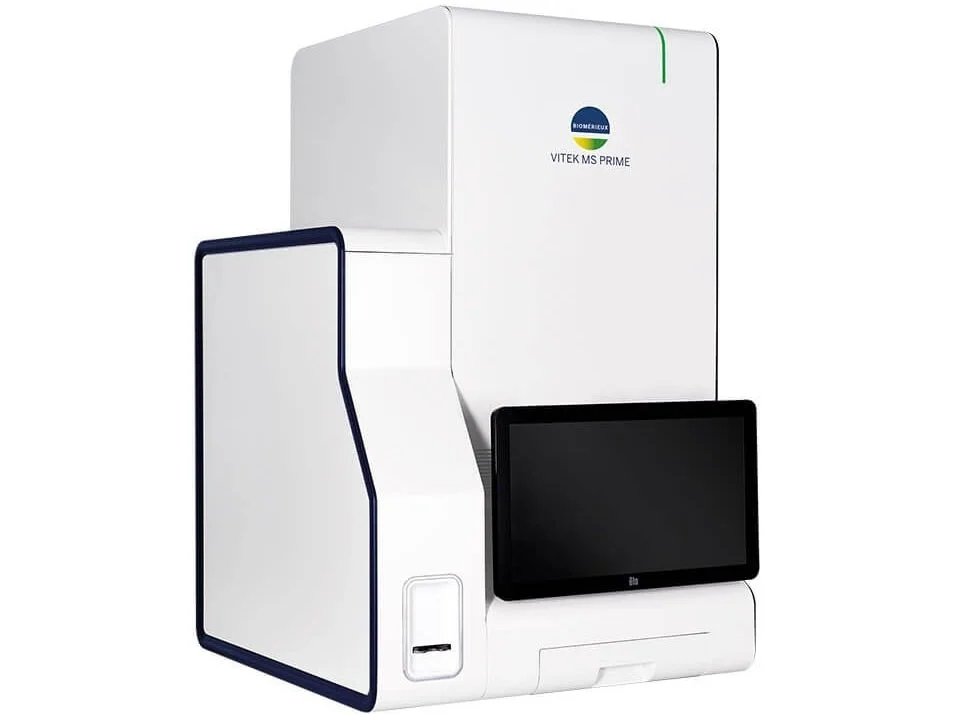
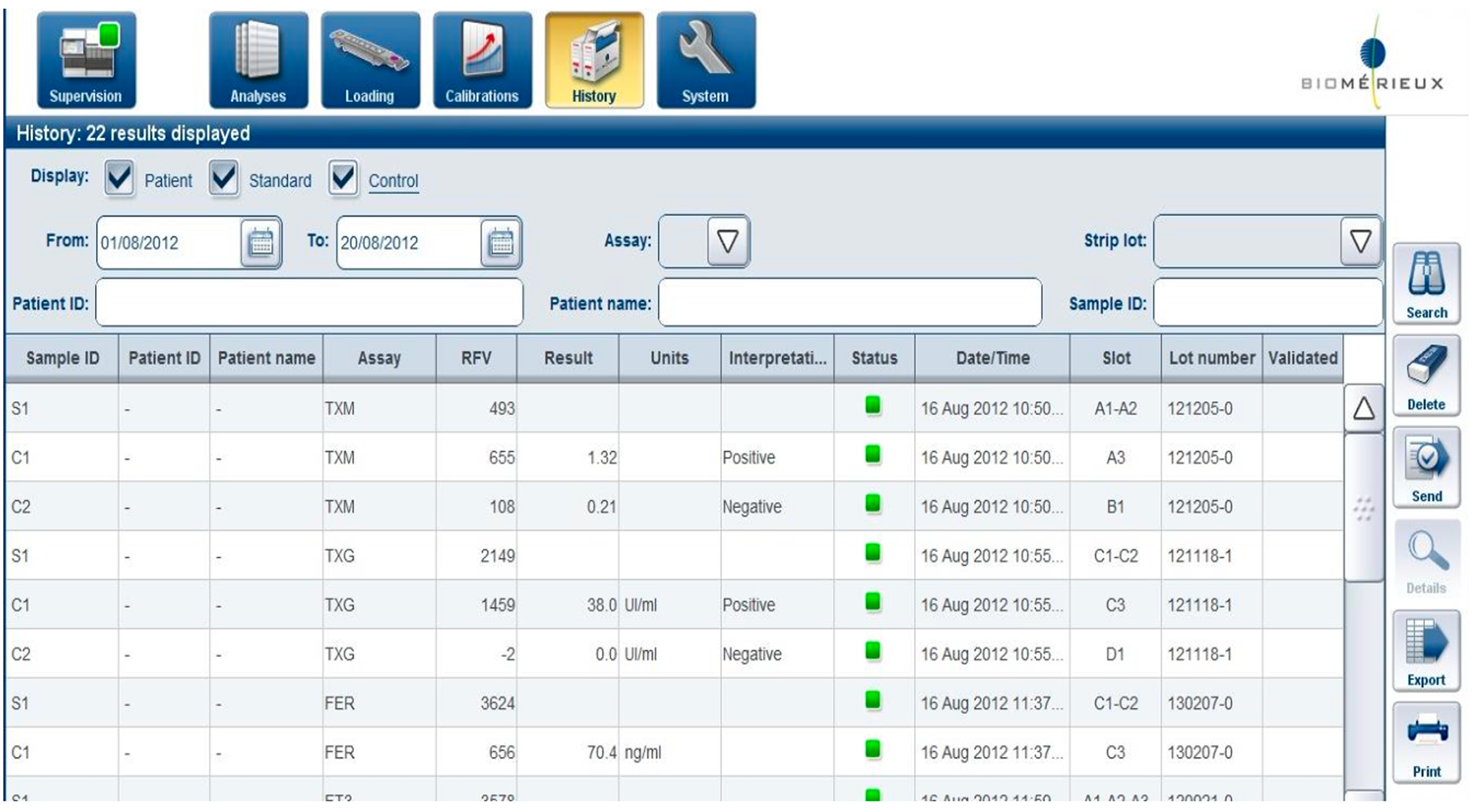
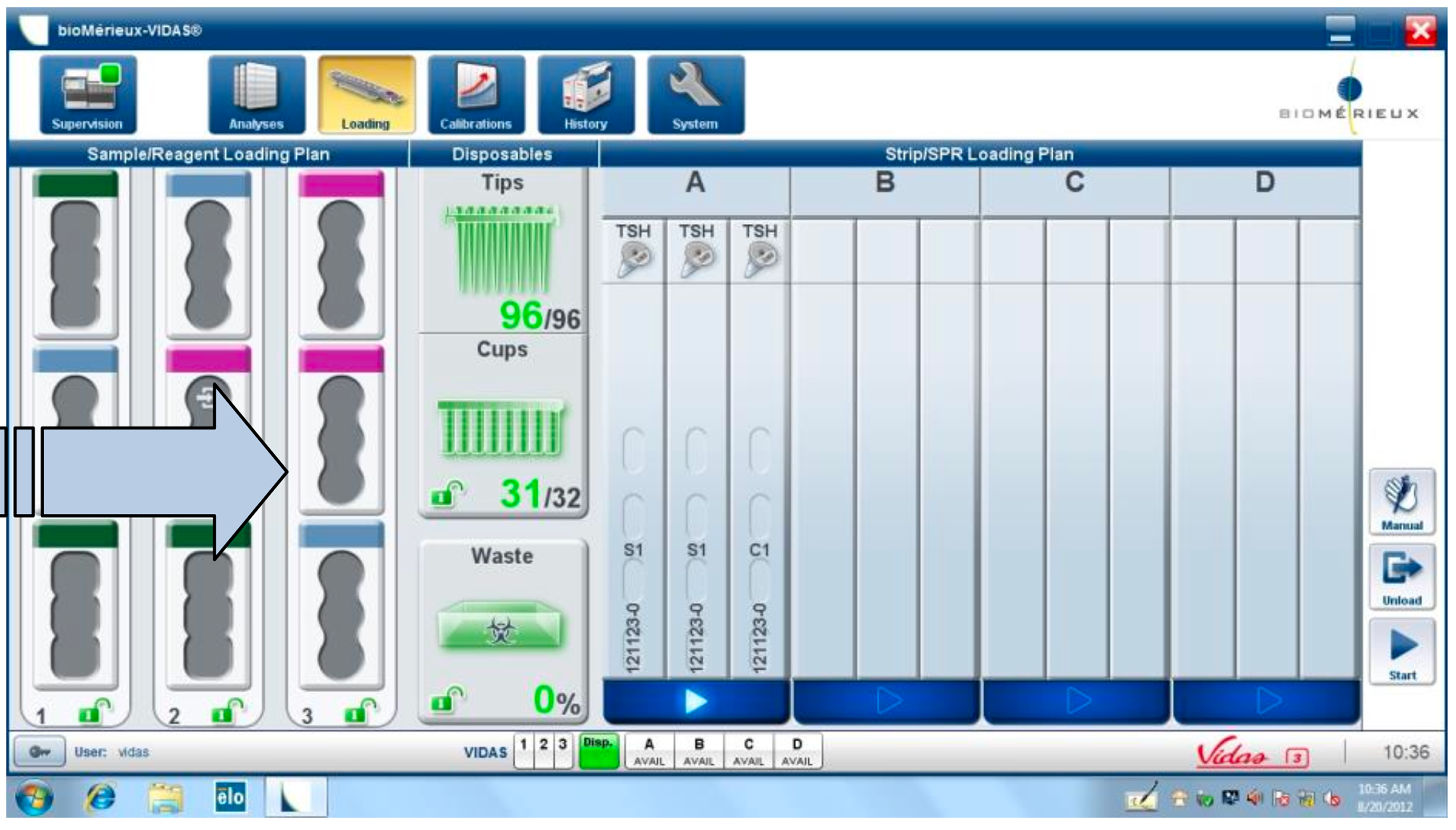
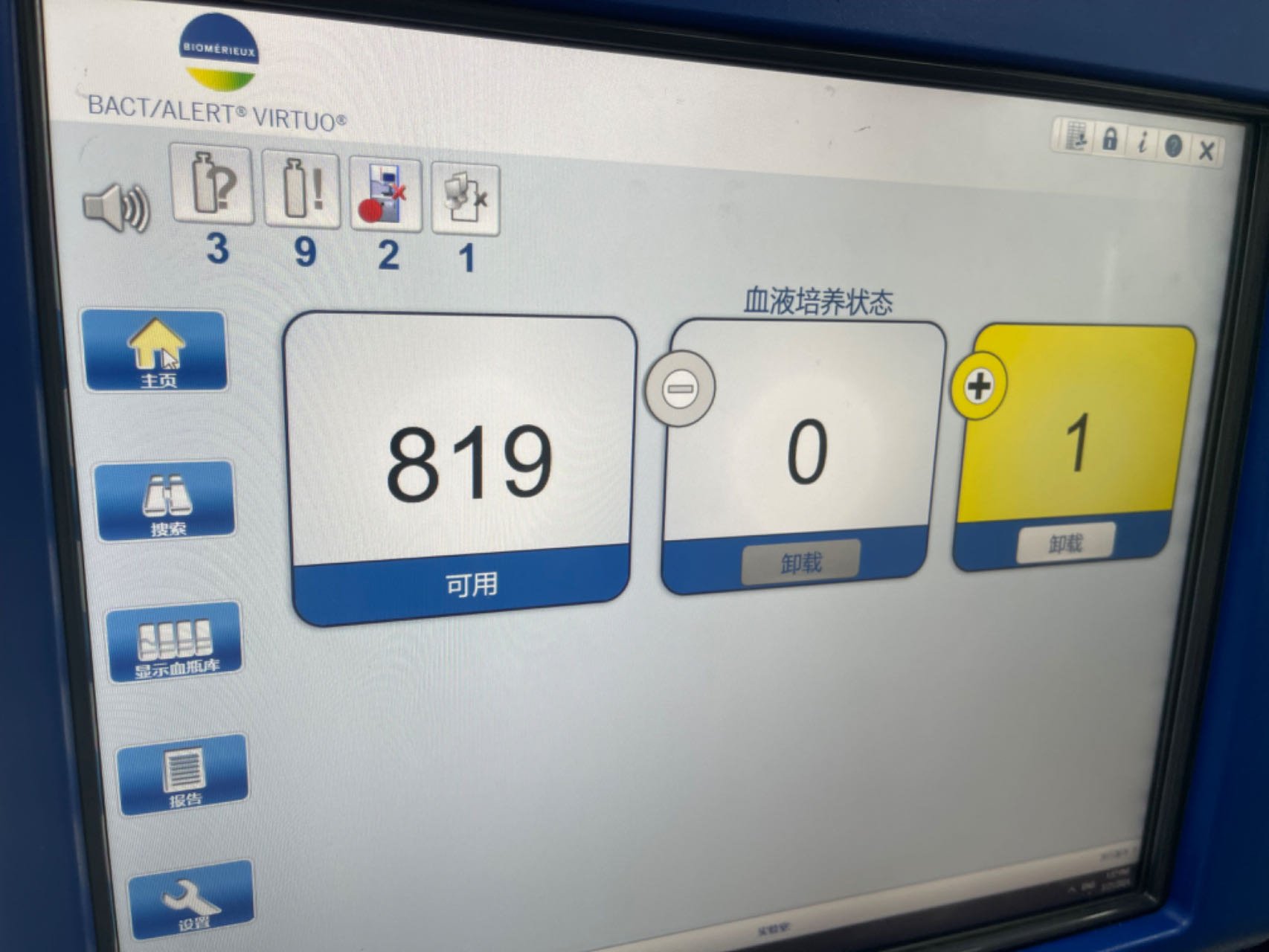
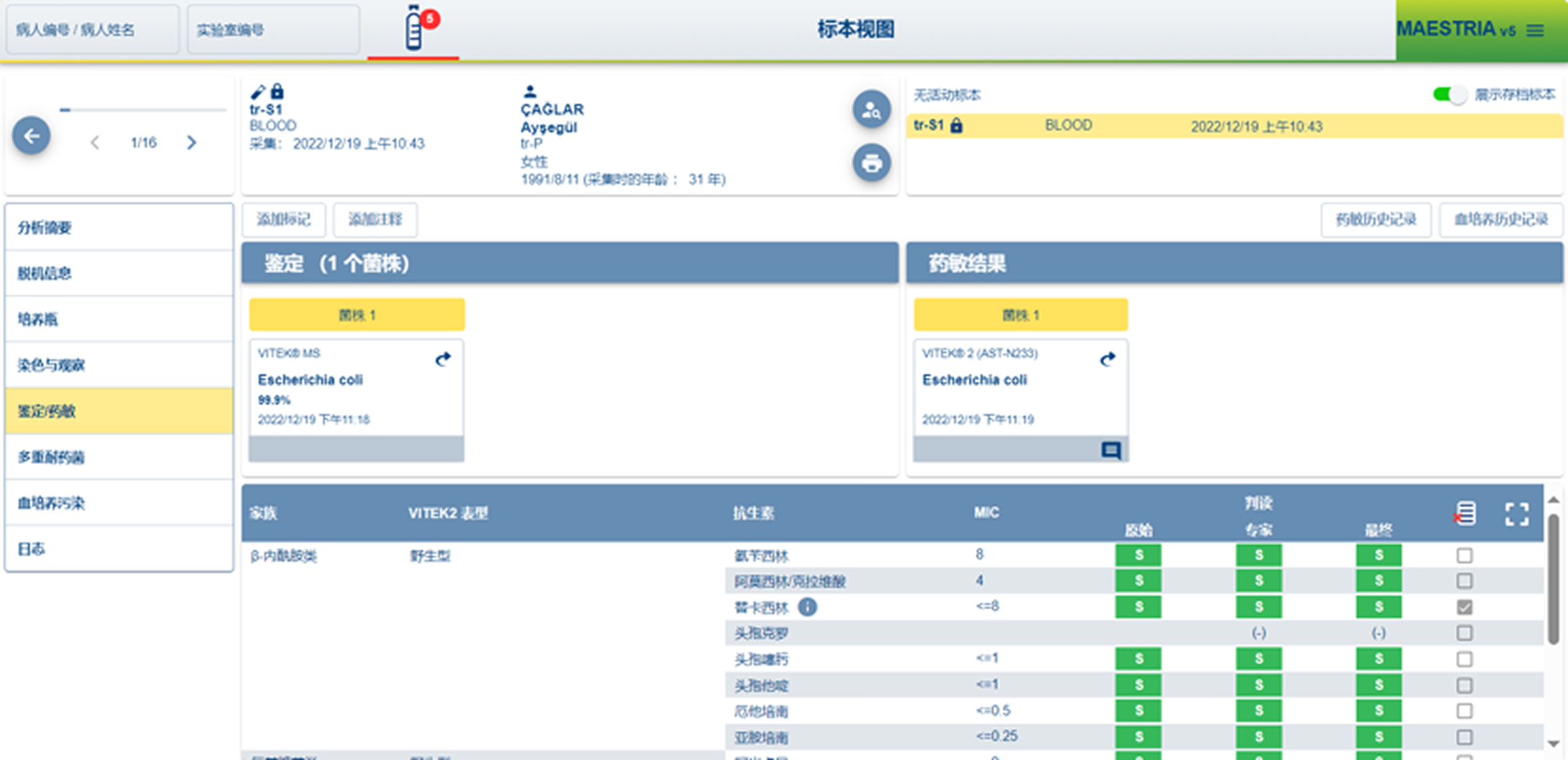
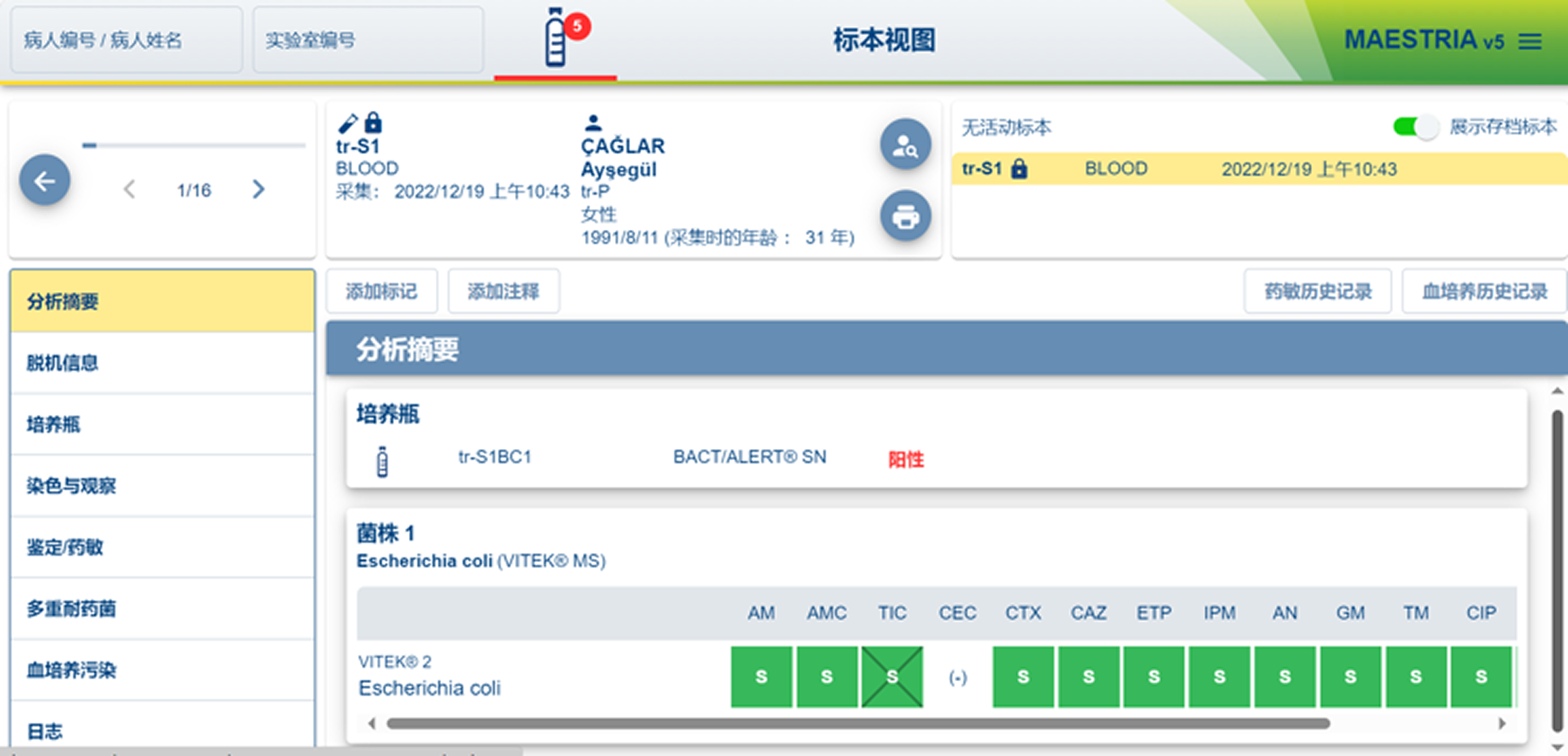
To ground the design in real-world expectations, I conducted hands-on analysis of leading molecular and microbiology diagnostic systems, reviewing both software interfaces and physical interaction models.
Diagnostic Systems Market
Key systems studied:
Cobas e 411 analyzer
BACT/ALERT® VIRTUO®
MAESTRIA V5
What I Evaluated
How users configure tests under time pressure
How systems communicate status, risk, and errors
How software aligns (or misaligns) with physical workflows
How much cognitive load is placed on technicians
Key Findings
Legacy-first interfaces prioritize system logic:
Heavy reliance on tables and modal flows increases error risk
Physical affordances often compensate for poor software
Trust is built through predictability, not only speed
These systems set a high bar for reliability, but a low bar for usability.
Strategic Design Opportunity
This analysis revealed a clear opportunity for Accunome:
Compete on clarity, approachability, and learnability
Reduce training dependency without sacrificing compliance
Treat software + hardware as one unified experience
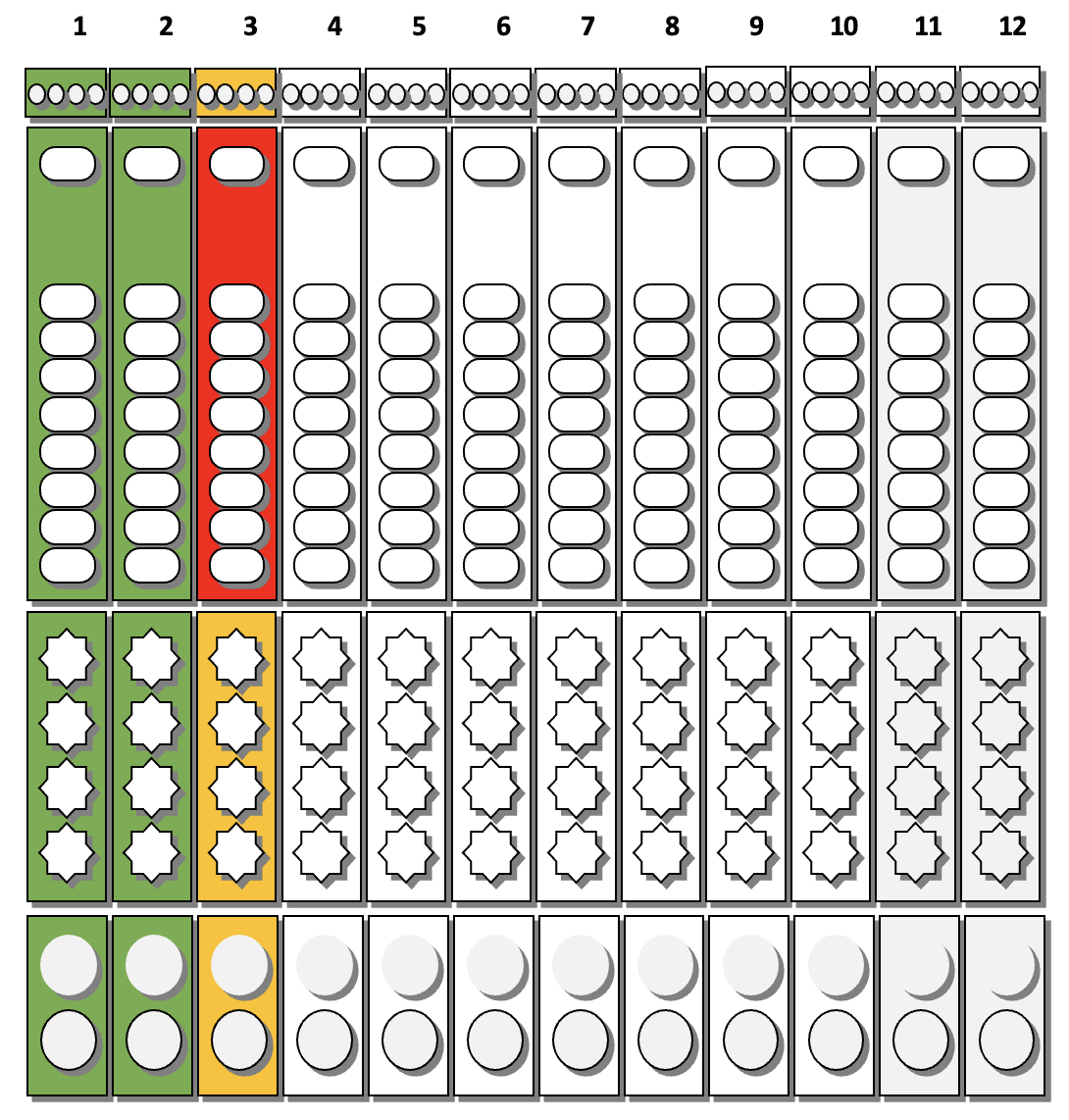
Beyond Software:
the Physical Product
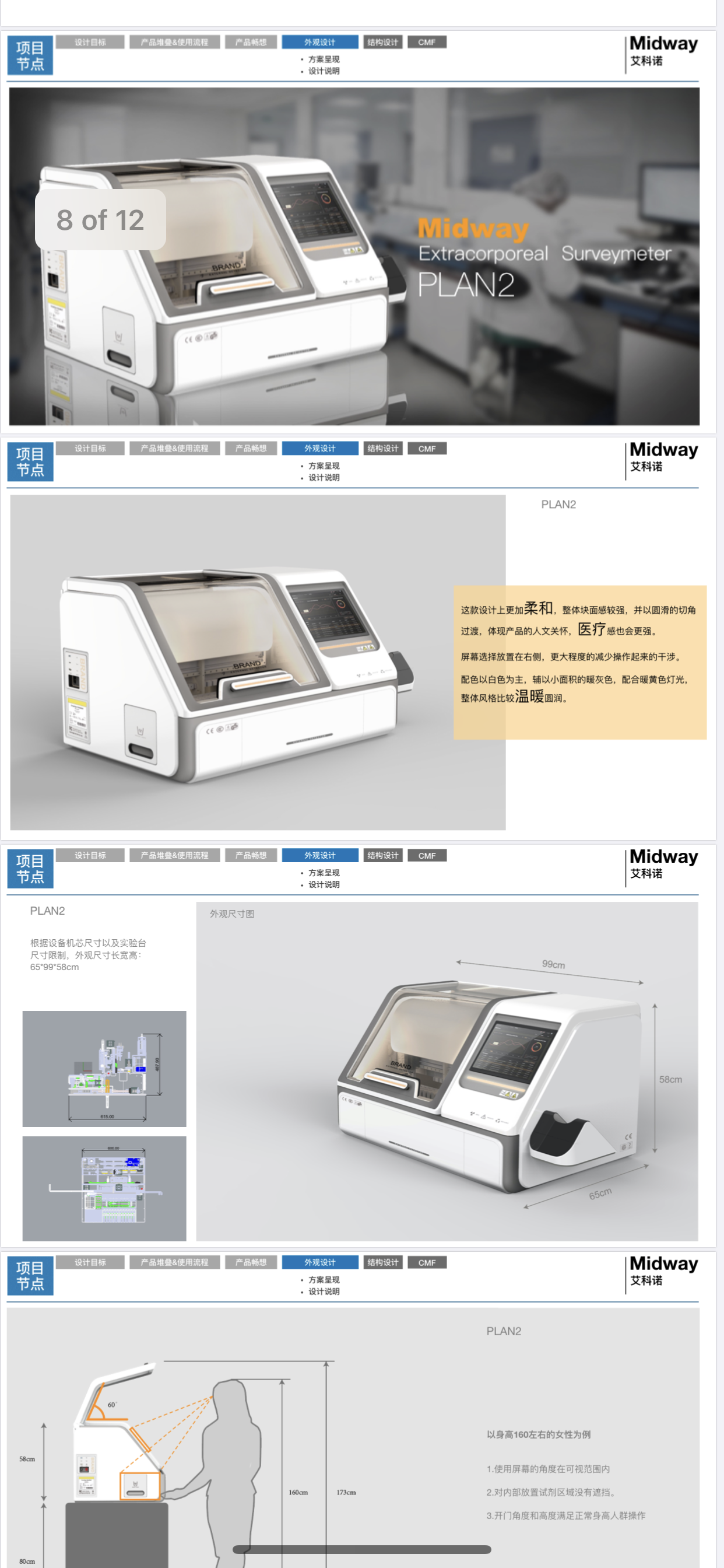
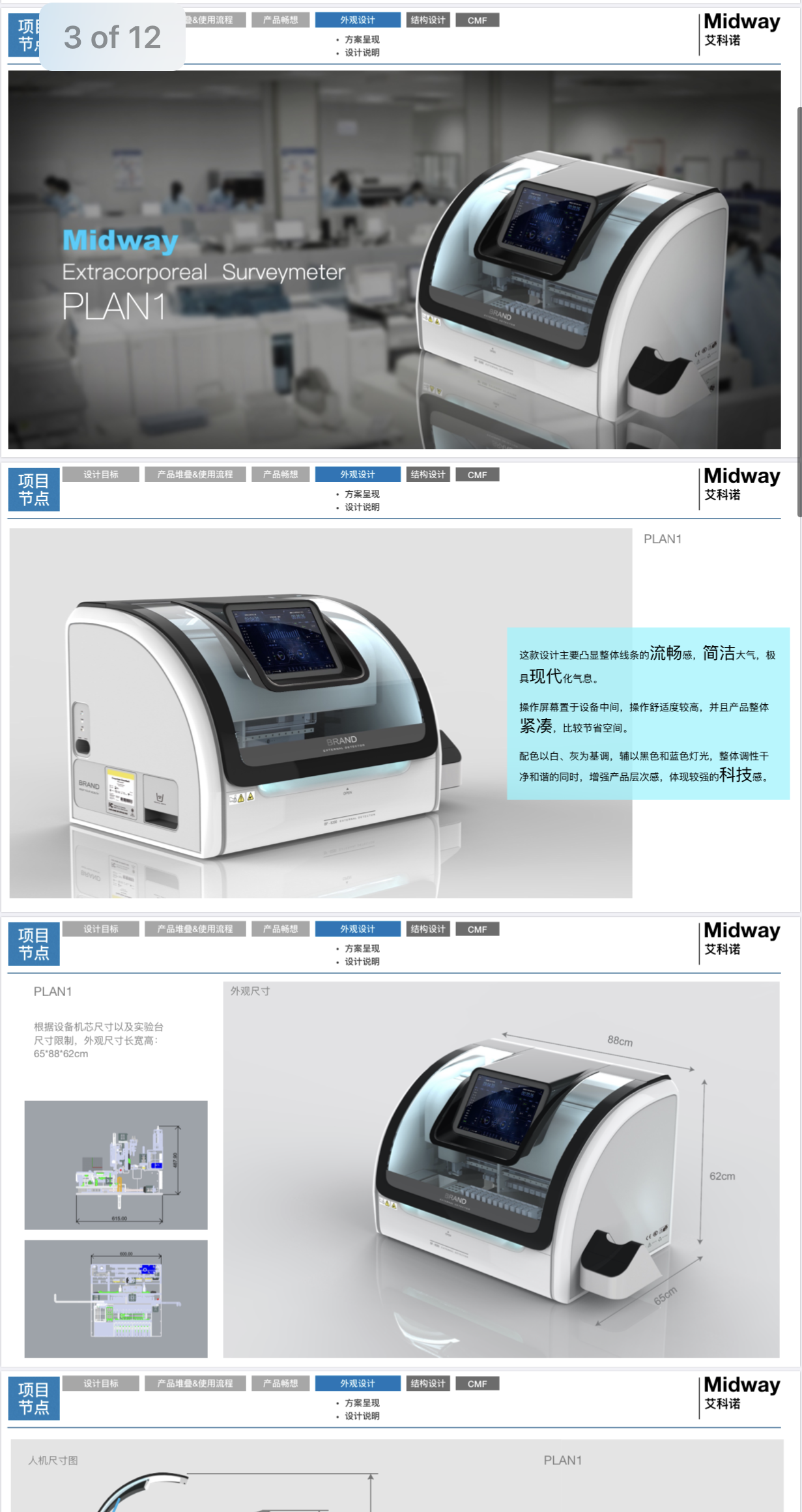
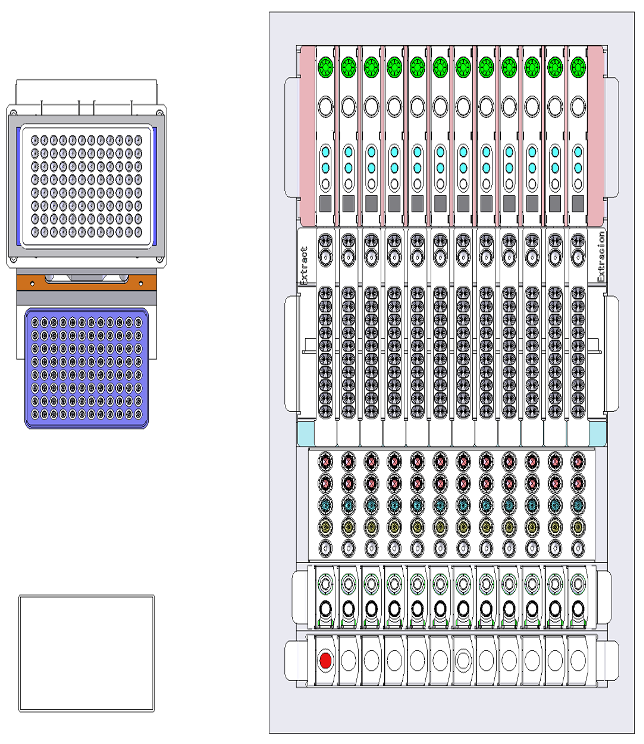
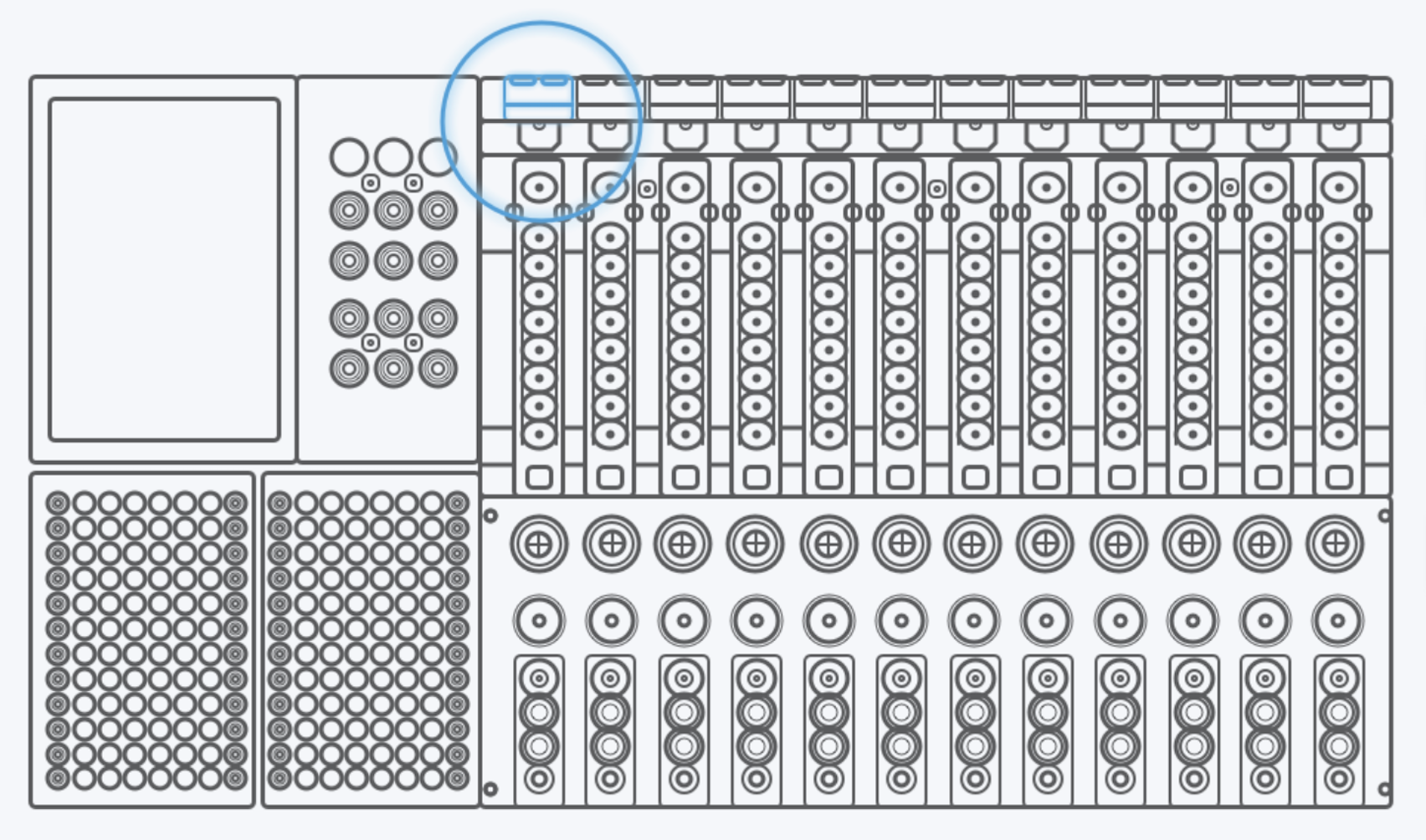
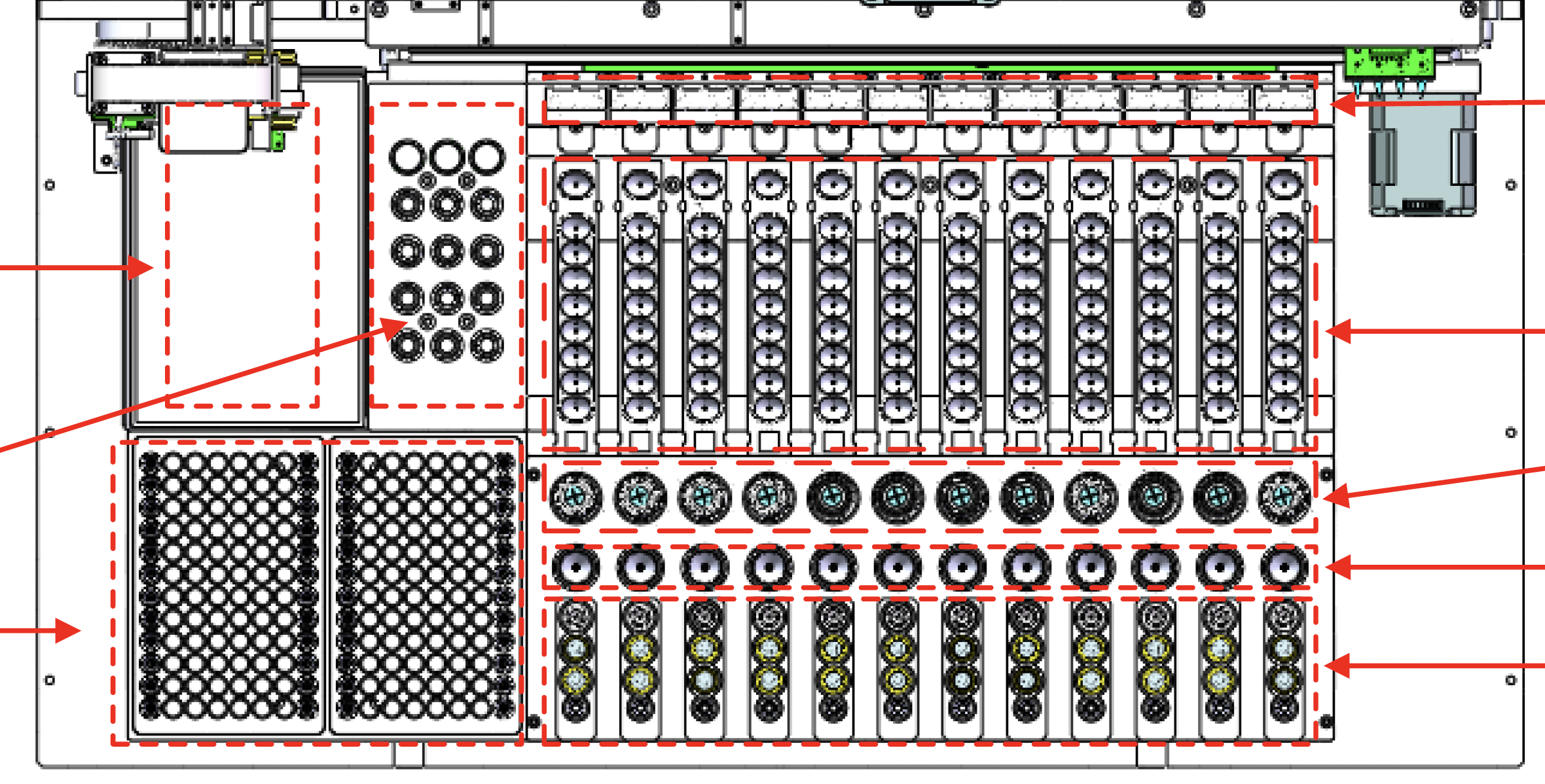
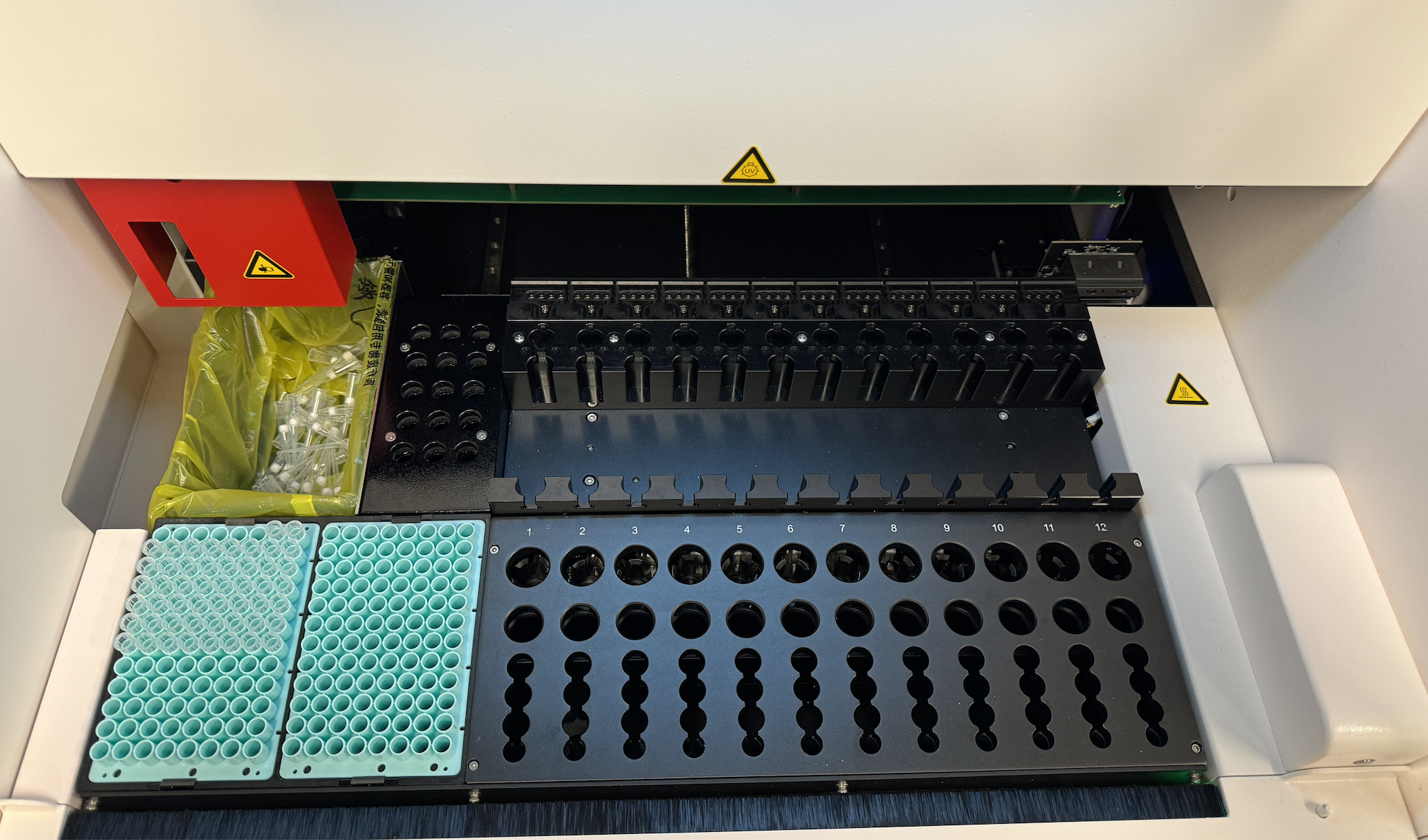
As the DXcellence12 instrument evolved in parallel, I provided UX-driven input beyond the screen:
Sample loading logic and physical-to-digital mapping
Indicator light behaviors and state communication
Alignment between on-device affordances and software terminology
This ensured that the physical machine and digital interface spoke the same language, reinforcing user trust and reducing operational friction.
Key Insights
Labs require both batch efficiency and individual control
Users think in physical wells, not abstract tables
Mixed‑assay batches are common, not edge cases
Trust is built through clarity, predictability, and reversibility
the UI must mirror the mental model of the instrument
What’s Before

Design Principles
Design for Trust — confidence comes from clarity
Visual First — reduce cognitive translation
Flexible by Default — batch + individual coexist
Regulation‑Aware — compliance without burden
Predictable Systems — users know what will happen next
Simplifying Workflow
After reframing the problem, I audited the entire Custom Testing journey. Many steps existed to satisfy system checks rather than user intent.
I deliberately removed or deferred non‑critical interruptions (e.g. trash status, consumables sufficiency) and redesigned the flow:
Reduced 9 linear steps → 6 actionable steps
Ultimately regrouped the experience into 3 cognitive phases:
Setup — define what will run
Confirm — verify consumables and system readiness
Run — execute with confidence
This lowered cognitive load while preserving safety and compliance.
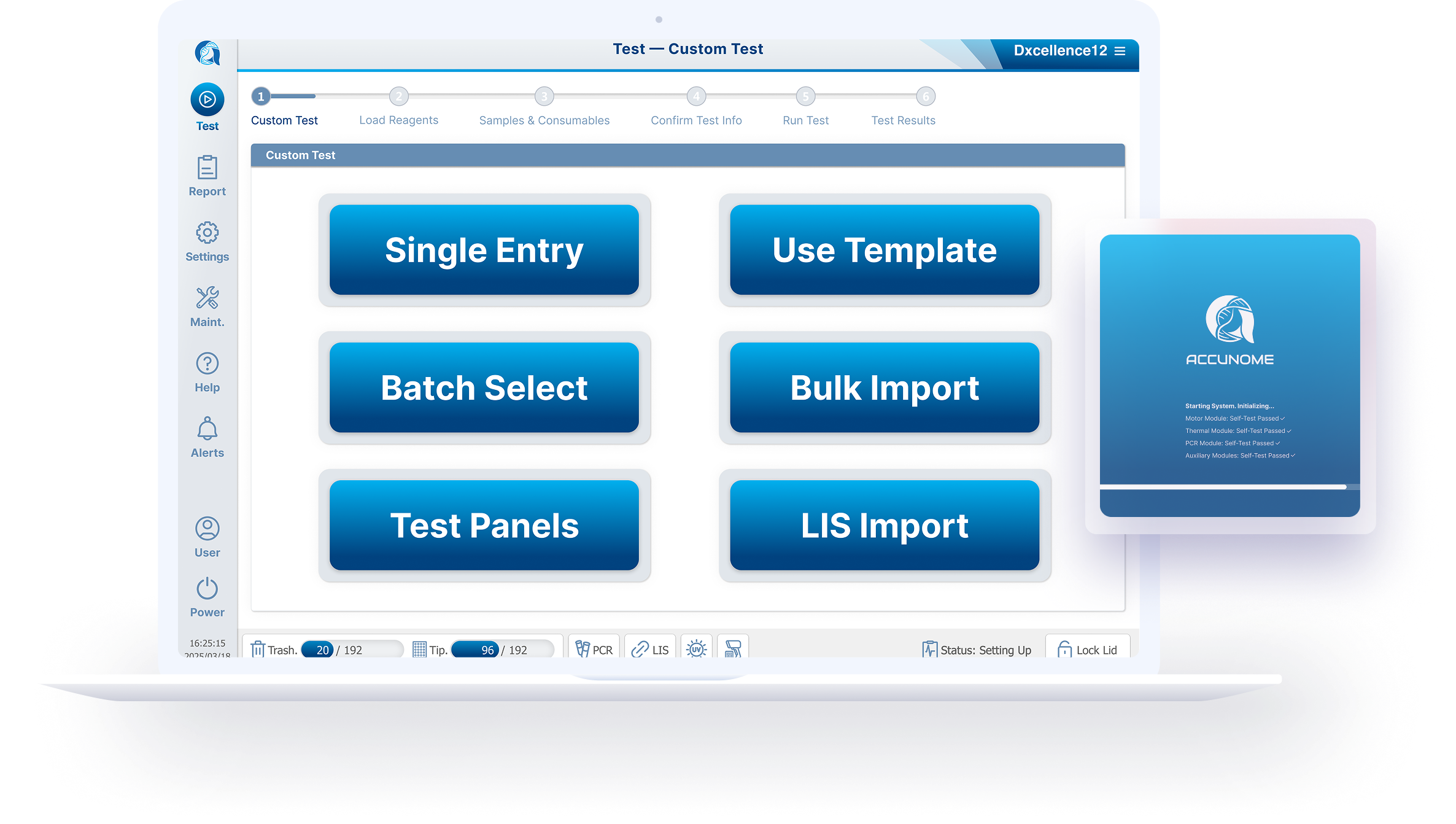
Option & Solution
Exploring Six Input Models
Based on research, I designed six interaction models, each addressing different lab realities and each prototype was designed to be testable, not theoretical:
Manual single entry
Template-based loading
Batch selection
Combo / multiplex combination sets
Historical configuration recall
LIS-driven order import
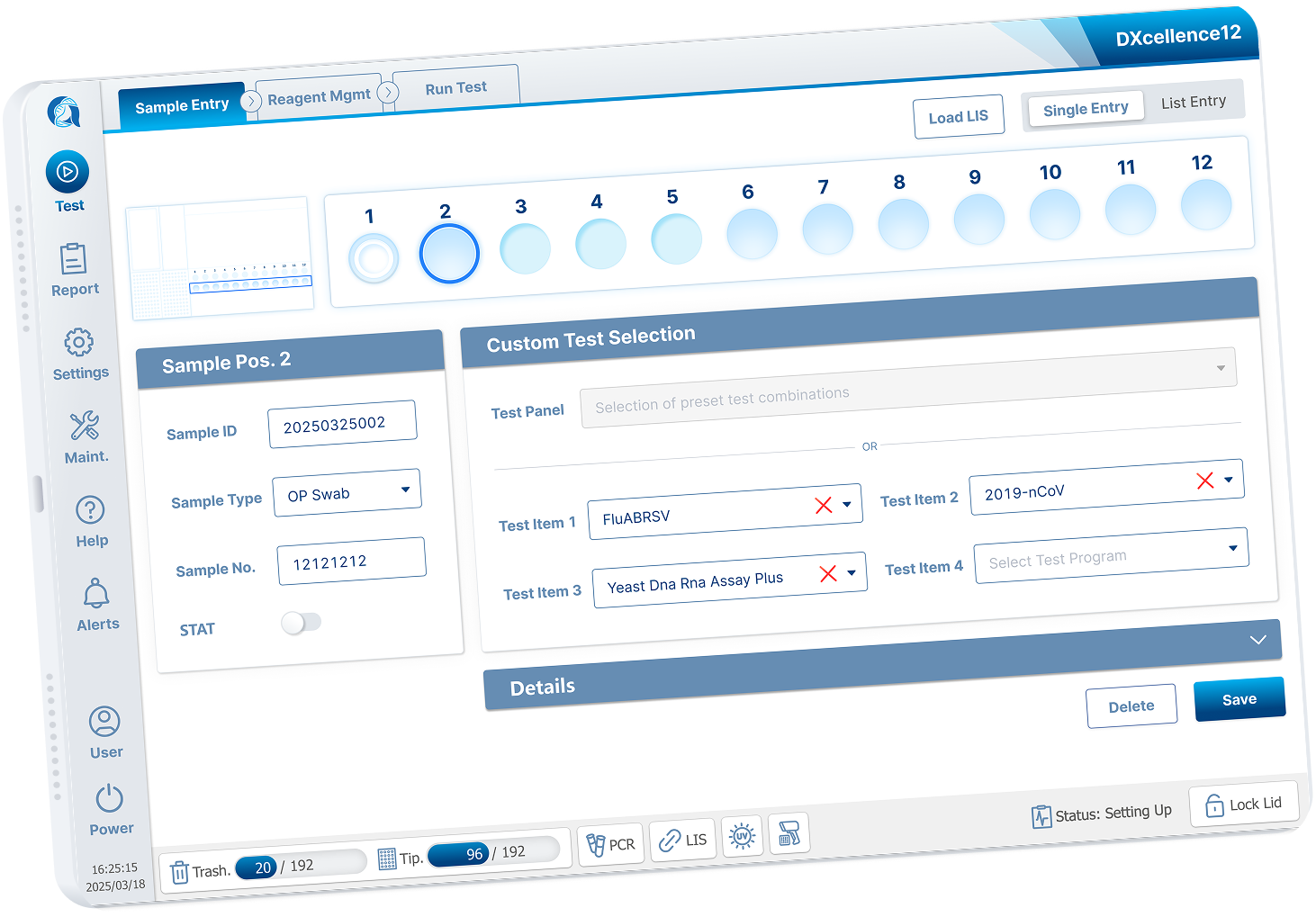
The Core Breakthrough
The most important decision was to break away from the inherited table‑based UI constraint.
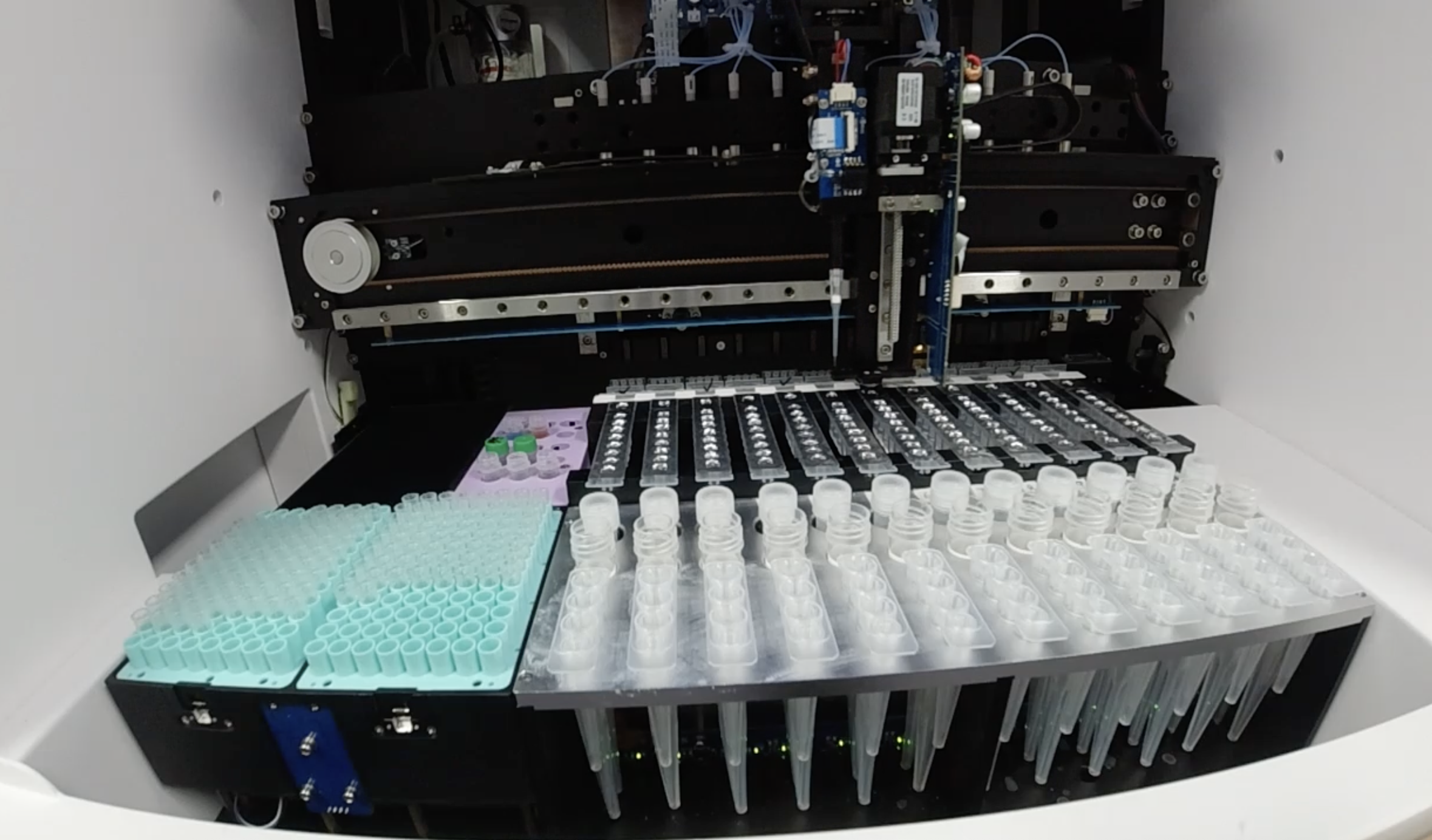
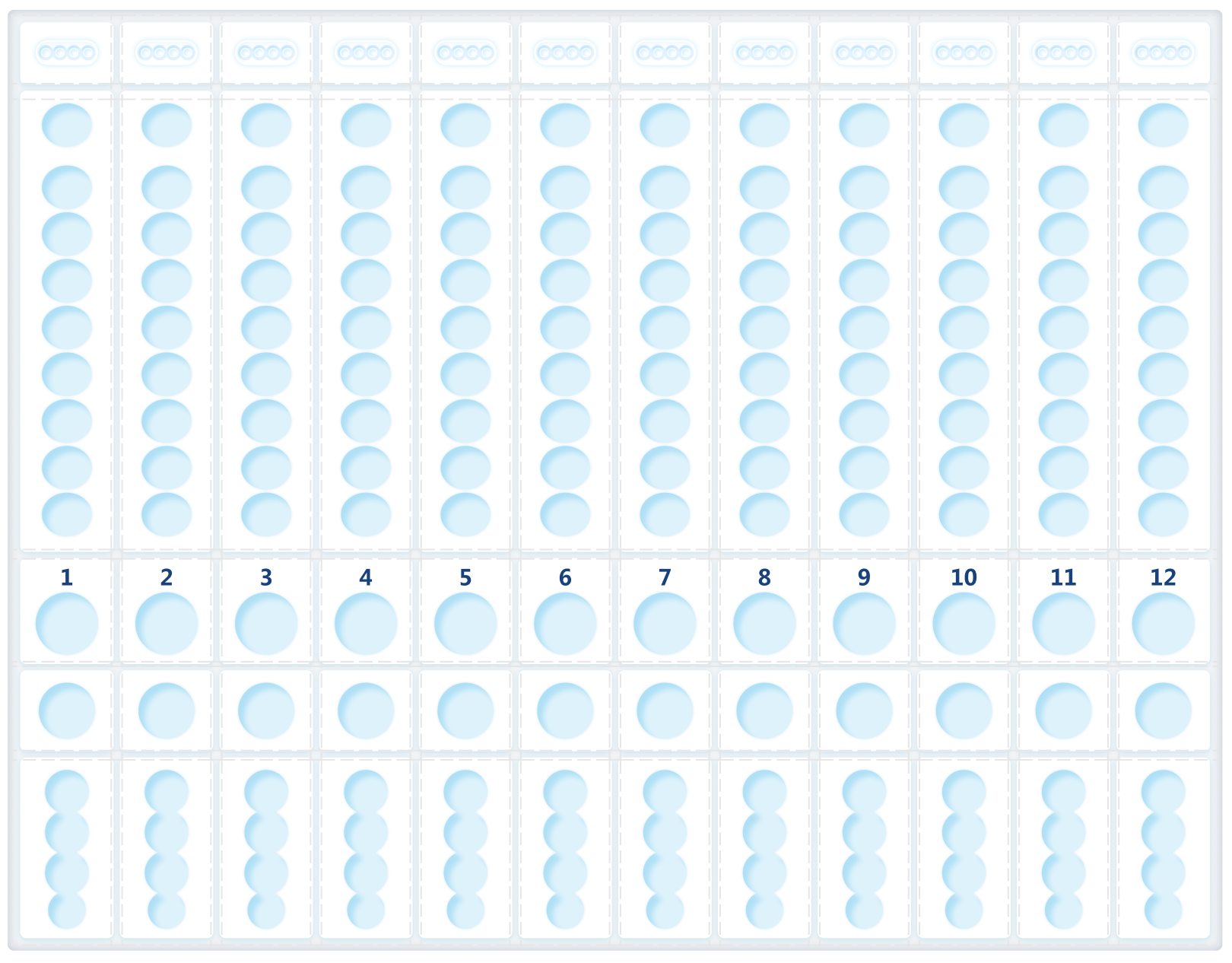
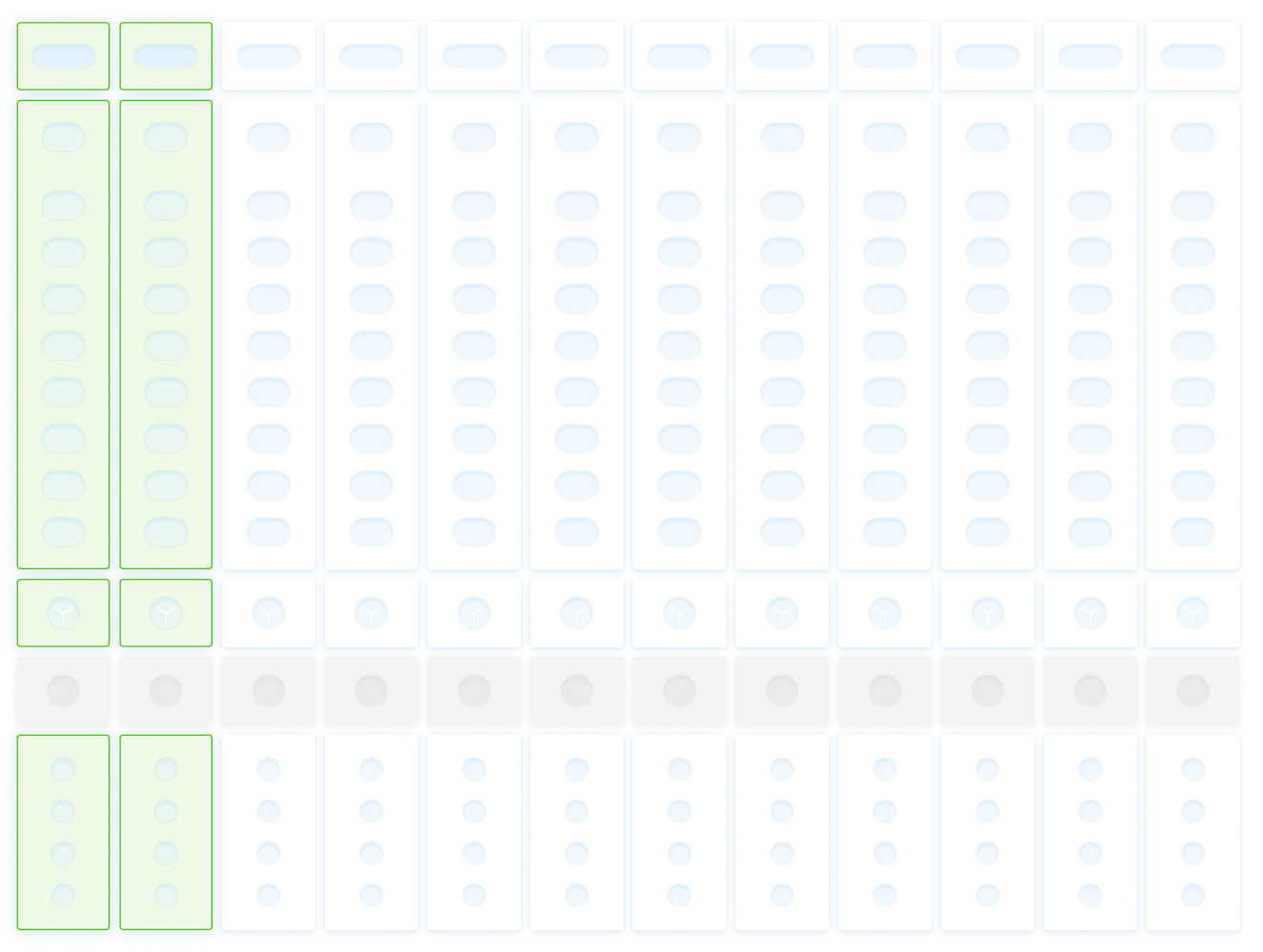
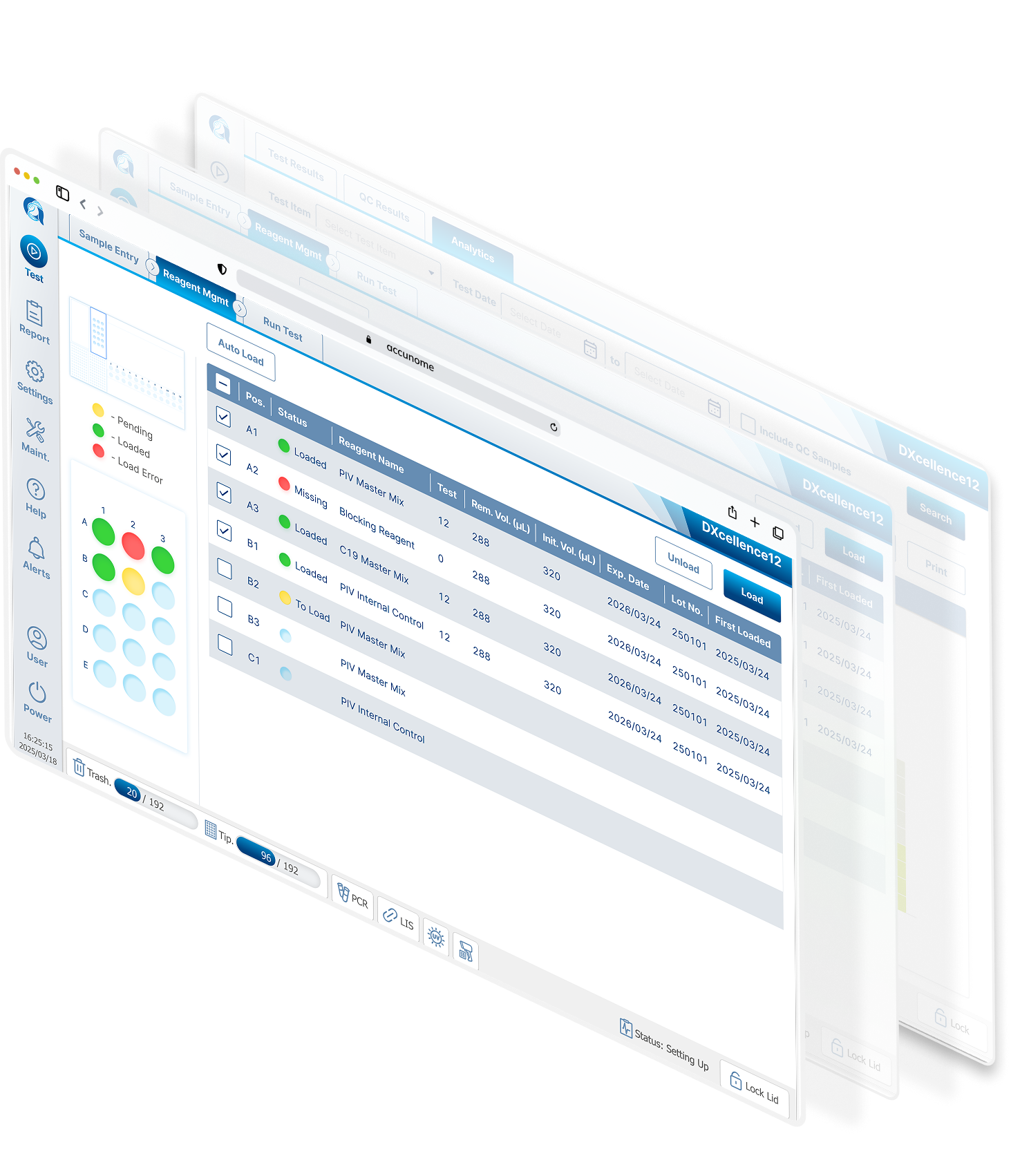
I redesigned Custom Testing around a graphical representation of the physical DXcellence12 instrument:
On‑screen wells map 1:1 to real sample positions
Users interact directly with positions, not abstract rows
What users see on screen matches what they touch on the machine
This removed the need for mental mapping entirely and aligned software behavior with the real‑world mental model of lab work.
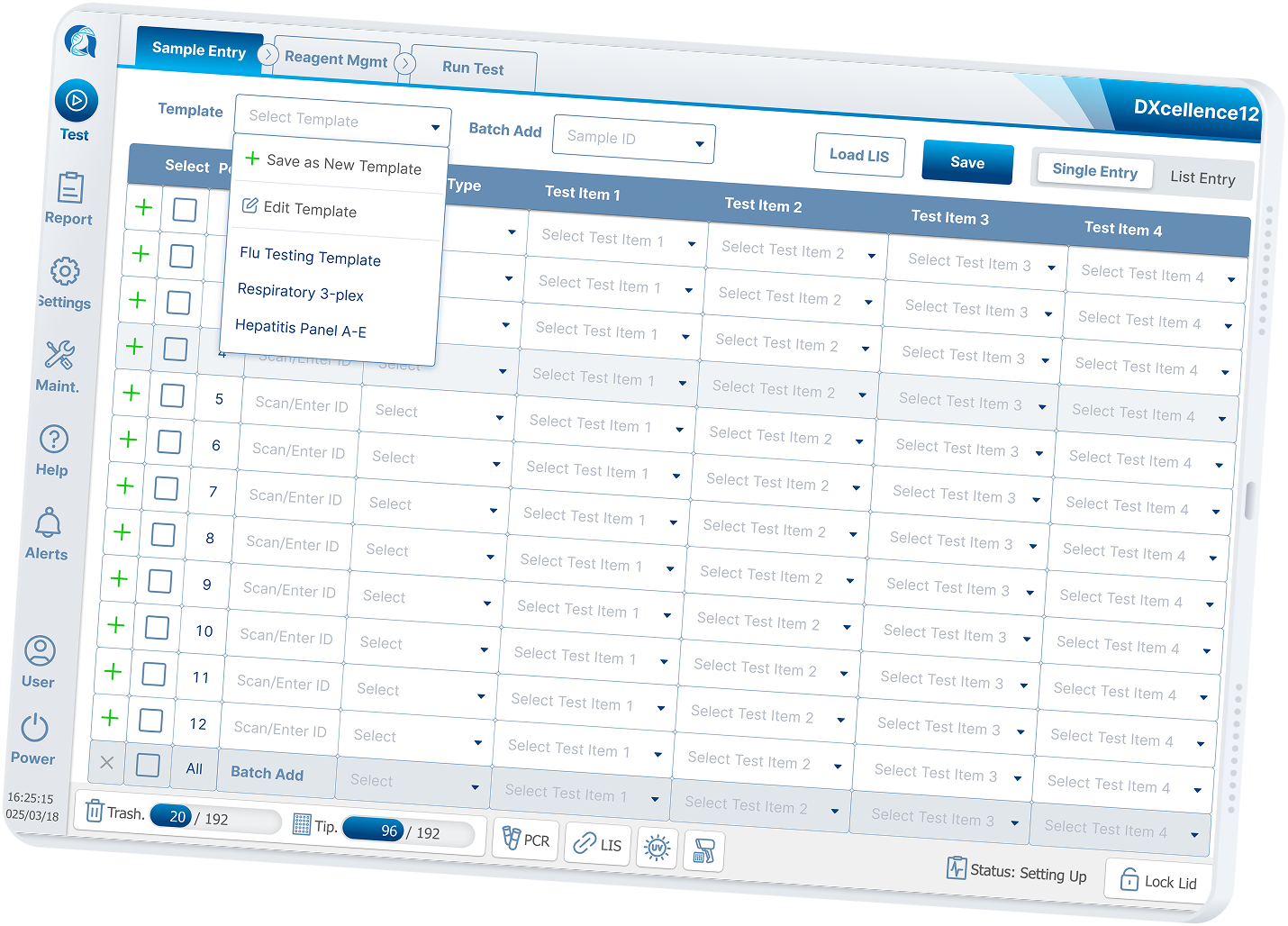
Tradeoffs
Designing for Multiple Real‑World Use Cases
Research showed that a single interaction model could not serve all labs equally. I intentionally designed multiple configuration modes, each optimized for a different operational reality:
Direct input — flexible, per‑run customization
Templates — reusable for high‑throughput running similar tests
Combo — scientist‑preferred common assay groupings
Initially, I believed “Templates” could fully replace “Combo”. Through discussion, challenge, and further validation with scientists and stakeholders, I recognized that “Combo” represents a deeply ingrained expert mental model.
I preserved it as a integrated interaction, signaling respect for domain expertise while keeping the system approachable for new users.
Prototyping & Validation
I built interactive prototypes for each configuration model and tested them with:
Lab technicians and lab managers
Internal product, engineering, and scientific teams
Strategic partner bioMérieux
Testing focused on:
Error prevention under time pressure
Speed vs confidence tradeoffs
Learnability for first‑time users
The final design is not a compromise. It is a deliberate synthesis shaped by real usage, debate, and iteration.
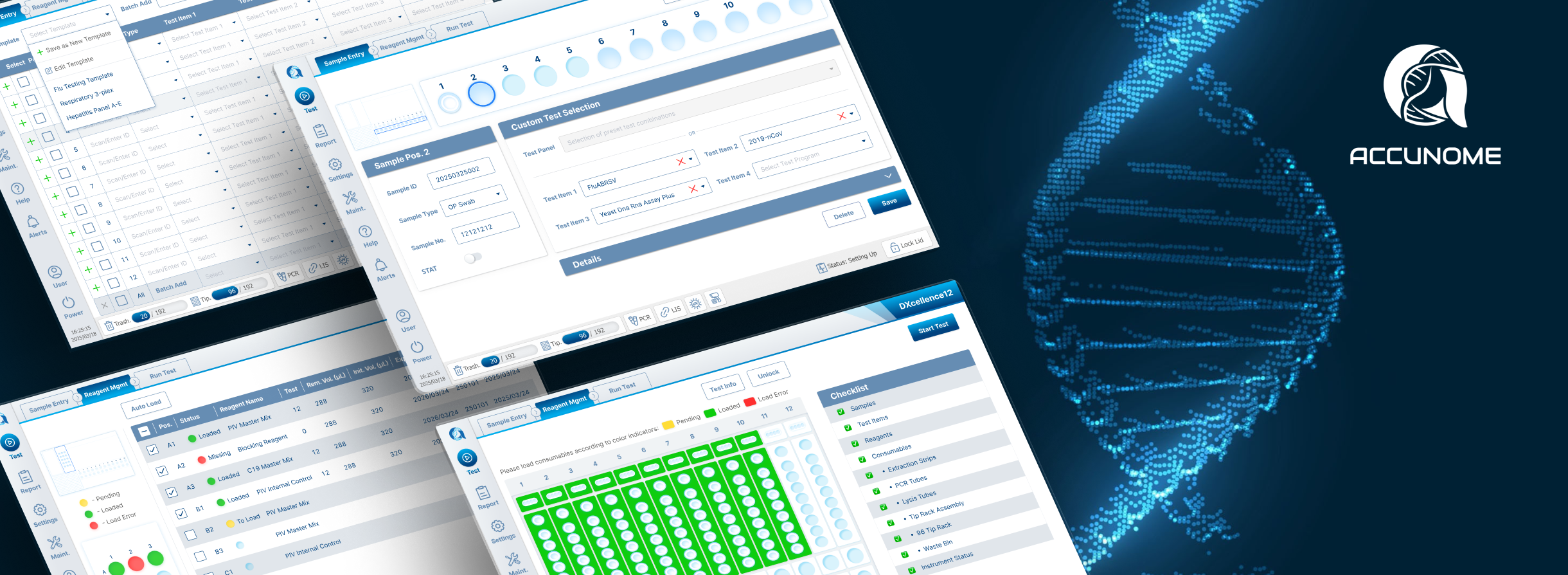
Designing Under Regulatory Constraints
In regulated healthcare software, every major interaction change can trigger regulatory review and approval cycles.
I partnered closely with Product and Regulatory teams to:
Decide which improvements could ship incrementally
Identify when changes justified a bundled submission
Balance speed, safety, and approval timelines
Design decisions were made not just for usability, but for regulatory feasibility and long‑term velocity.
Impact, Outcomes & Reflection
Impact on Users and the Product
This work delivered measurable, real-world impact across multiple dimensions:
User satisfaction increased significantly: lab technicians reported higher confidence, faster setup, and fewer mental handoffs between software and hardware.
Complaints stopped: the previous frustration around the Custom Testing workflow, frequent errors, confusion, and workarounds, was no longer raised after rollout.
Error reduction: the new interaction models aligned with how labs actually think and work, reducing configuration mistakes at the source.
Stronger client trust: key hospital clients and partners gave explicit positive feedback, calling out the clarity and usability of the new experience.
Sales enablement: the improved workflow became easier to demo and explain, directly supporting sales conversations and adoption in enterprise environments.
This was not only a usability improvement.
It materially strengthened product credibility in a regulated, high-stakes domain.

Outcomes on Business
Operational Effectiveness: Reduced test setup time by ~70%, dramatically lowering configuration time and mental burden.
Adoption & Sales Enablement: Significantly increased (internal estimate ~4× growth) product bookings and demo effectiveness.
Played a key design role in Accunome secured a strategic partnership and ~$13.6M investment from bioMérieux
The redesigned workflow and platform achieved CE certification and national Class III NMPA approved regulatory registration.
Reflection: What I Learned
This project reinforced several design principles:
Design leadership starts with initiative: The most meaningful impact often starts with self-directed intent, not assigned scope.
Challenge constraints early: Reframing the problem beyond the pre-set model unlocked every breakthrough that followed.
Design at system level: Lasting outcomes emerge when hardware, software, and workflow are treated as one cohesive whole.